Dishi - Smart Meal Prep Timer for Stress-Free Cooking
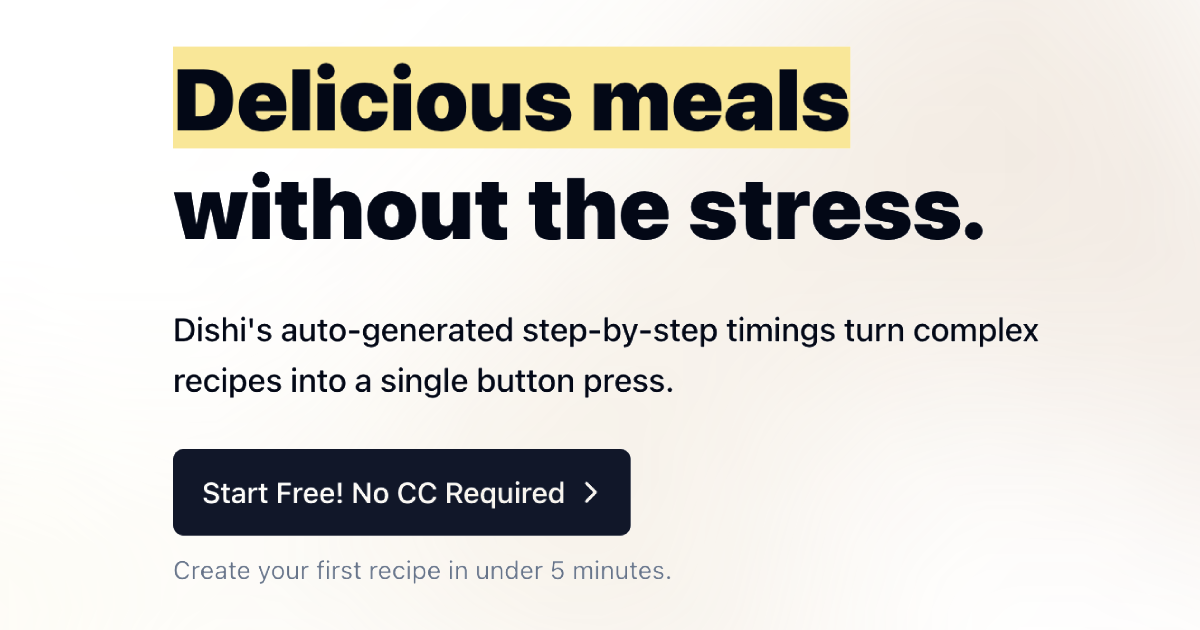
Dishi turns complex recipes into simple, step-by-step timings with one button press, so every dish finishes at exactly the right moment.
Overview
Dishi is a smart meal prep timer built to take the guesswork out of cooking. Instead of juggling multiple timers and trying to calculate when to start each component of a meal, Dishi automatically generates precise step-by-step timings for your recipes the moment you add them. With a single button press, you get a clear cooking sequence that ensures every dish lands on the table hot and ready at the same time.
What sets Dishi apart is its accessibility—it's designed to work for everyone, whether you're a total technophobe or a seasoned home cook who loves a good system. Because it works across any device and syncs your recipes automatically, you can start prepping on your phone and pick up right where you left off on a tablet or computer in the kitchen. It's especially handy for coordinating multiple meals at once, taking the mental math out of timing a full dinner spread.
For busy families, meal preppers, and anyone who's ever burned the rice while waiting on the chicken, Dishi offers a refreshingly simple fix: let the app handle the timing so you can focus on the cooking.
Capabilities & Features
- Meal prep
- Timer
- Recipe management
- Step-by-step instructions
- Cooking
- Recipe timing
Core Features
- Auto-generated step-by-step cooking timings
- One-button recipe timing activation
- Cross-device recipe syncing
- Support for managing multiple meals simultaneously
- Works on any device without special setup
Use Cases
- Coordinating a multi-dish dinner so everything finishes together
- Simplifying a complicated recipe into an easy sequence of steps
- Meal prepping for the week without timing mishaps
- Cooking confidently as a beginner without culinary timing experience
- Switching between phone, tablet, and computer mid-cook without losing your place
Best For
- Home cooks
- Busy families
- Meal preppers
- Technophobes
- Beginner cooks wanting more confidence in the kitchen
Pros
- •Removes the stress of manually timing multiple dishes
- •Simple one-button operation makes it accessible to non-tech-savvy users
- •Syncs seamlessly across devices for flexible kitchen use
- •Great for multitasking when cooking several dishes at once
- •Works on any device without needing special hardware
Cons
- •No detailed privacy policy information available
- •Pricing structure beyond the free tier isn't clearly disclosed
- •Relies on accurate recipe input to generate correct timings
- •May require an internet connection for device syncing
How to Use
1. Add your recipe(s) to Dishi. 2. Let Dishi automatically generate step-by-step timings based on your recipe's requirements. 3. Press the start button when you're ready to cook. 4. Follow the generated instructions in order, and Dishi will keep everything synced so each dish finishes at the same time. 5. Access your recipes and timings from any device thanks to automatic syncing.
Frequently Asked Questions
Open in AI Studio
Ask our AI to evaluate if Dishi - The Meal Prep Timer fits your specific workflow.
Pricing
Dishi offers a free tier to get started with no credit card required, though full pricing details for any premium plans are not publicly listed.
Pricing data is provided as a summary. Visit the vendor website for full tier details.