Figma: AI-Powered UI/UX Design & Prototyping Tool
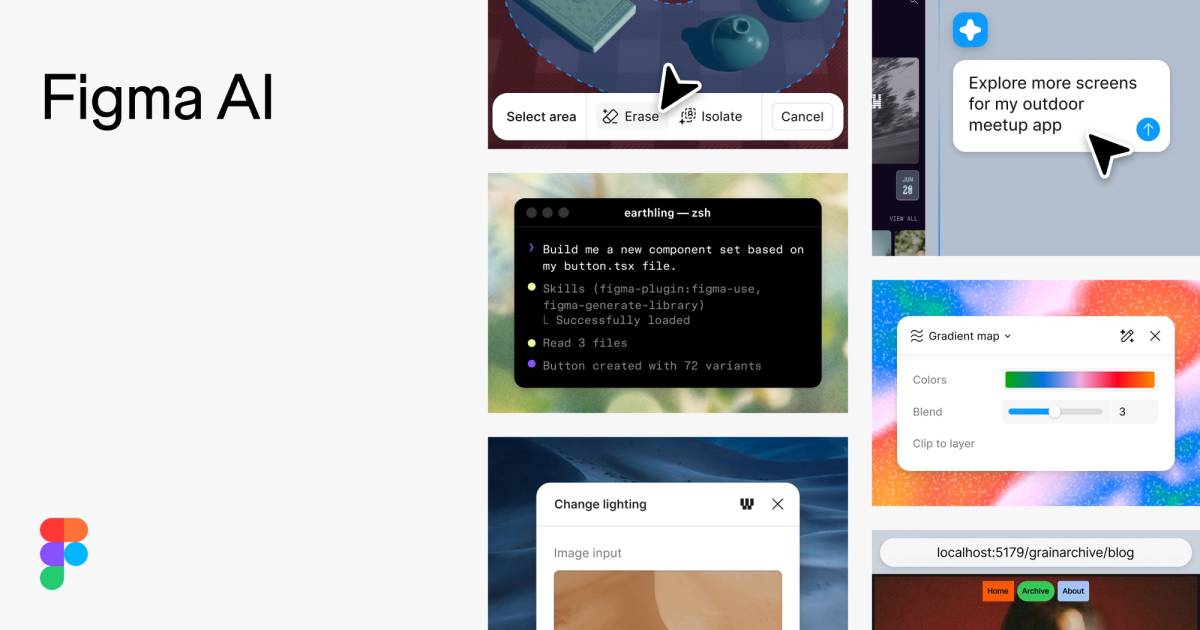
Figma is an all-in-one design platform where teams design, prototype, and collaborate in real time, now supercharged with AI features like image generation and smart layer naming.
Overview
Figma has become the go-to workspace for modern product teams, combining UI/UX design, prototyping, and live collaboration into a single browser-based platform. Instead of juggling separate tools for wireframing, whiteboarding, and presentations, teams can move from early brainstorming to polished, developer-ready designs without ever leaving Figma. Its multiplayer editing means designers, engineers, and product managers can work on the same file simultaneously, cutting down on version confusion and slow feedback loops.
Beyond core design tools, Figma has expanded into a full product suite: Dev Mode bridges the gap between design and code, FigJam turns strategy sessions into interactive digital whiteboards, and Figma Slides brings collaborative presentation-building into the mix. Layered on top of all this are AI-powered features—like automated layer renaming, text rewriting, and image generation—that shave time off repetitive tasks and let creatives focus on higher-value work.
Whether you're building a scalable design system, running an agile sprint, or hosting a remote brainstorm, Figma's flexibility makes it suitable for teams of any size. Its tiered pricing, ranging from a free personal plan to enterprise-grade security controls, means the platform scales alongside your organization's needs.
Capabilities & Features
- UI design
- UX design
- Prototyping
- Wireframing
- Online whiteboard
- Design systems
- Web design
- AI design tools
- Collaboration
- Design handoff
- Agile
Core Features
- Real-time design and prototyping in a single workspace
- Dev Mode for streamlined design-to-code handoff
- FigJam digital whiteboard for team brainstorming
- AI-powered assistance including image generation and text rewriting
- Built-in presentation creation with Figma Slides
- Vector illustration and scalable asset production tools
Use Cases
- Building and maintaining scalable design systems
- Prototyping UX and UI flows before development
- Wireframing and designing responsive websites
- Running remote team brainstorming and planning sessions
- Managing design handoff within agile product workflows
Best For
- UI/UX Designers
- Software Engineers
- Product Managers
- Cross-functional Organizations
- Educators and Students
Pros
- •Combines design, prototyping, whiteboarding, and presentations in one platform
- •Real-time multiplayer collaboration reduces feedback delays
- •AI features automate tedious tasks like layer naming and text edits
- •Dev Mode simplifies communication between designers and engineers
- •Scales from free individual use to enterprise-level team deployments
Cons
- •AI feature availability can vary by plan, creating inconsistent access across teams
- •Higher-tier plans may be costly for larger organizations needing full functionality
- •Requires a stable internet connection since it's primarily browser-based
- •Learning curve exists for teams new to collaborative, multiplayer design workflows
How to Use
Begin by creating or opening a project in Figma Design to start sketching, designing, and building interactive prototypes. Switch to Dev Mode when you're ready to hand designs off to engineers, generating clean, translatable code specs. Use FigJam for team brainstorming sessions and strategic planning on a shared digital whiteboard, and turn finished work into stakeholder-ready decks with Figma Slides. Throughout any of these tools, tap into Figma's AI features—such as automated layer renaming, text rewriting, or AI image generation—to speed up repetitive design tasks and boost creative output.
Frequently Asked Questions
Connect & Contact
Pricing
Figma offers a free Starter plan for individuals, with paid tiers starting at $12/editor/month for professionals and $45/editor/month for organization-wide collaboration, plus a custom Enterprise plan for advanced security needs.
Pricing data is provided as a summary. Visit the vendor website for full tier details.