Designs AI: All-in-One AI Logo, Video & Design Maker
Designs AI is an all-in-one creative suite that uses artificial intelligence to generate logos, videos, images, and written content in minutes—no design skills required.
AI Image Description GeneratorAI Face Swap GeneratorAI Logo GeneratorAI Voice GeneratorAI Chat GeneratorAI SVG GeneratorAI Video GeneratorAI Graphic DesignAI Color Palette GeneratorAI Font GeneratorAI WritingAI DrawingAI Poster GeneratorAI Social Media Post GeneratorAI Image GeneratorAI Text-to-SpeechAI Flyer GeneratorAI Design GeneratorAI Animated Video
Overview
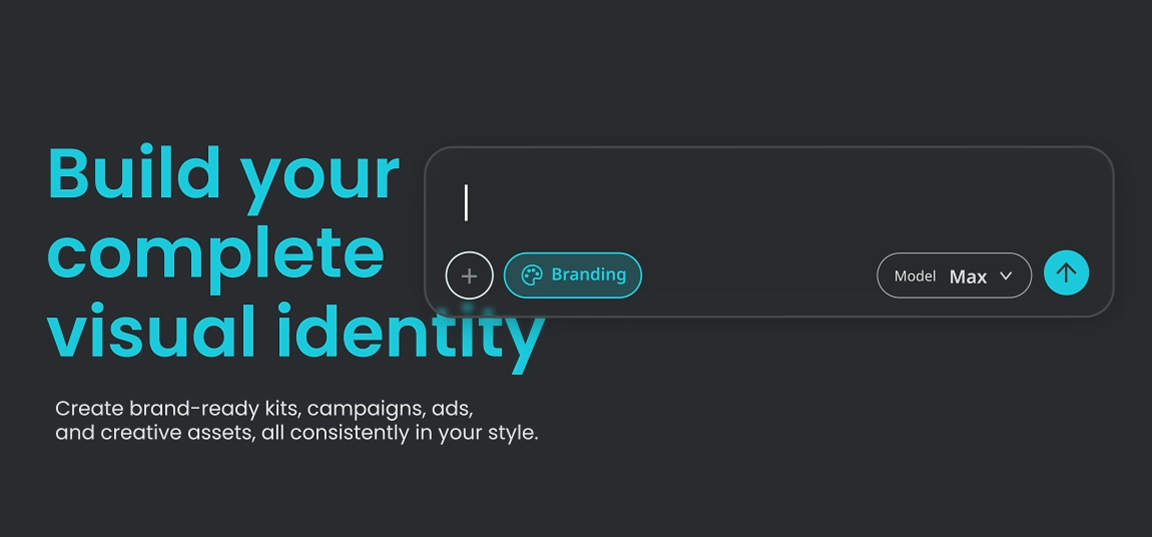
Designs AI is a comprehensive AI-powered creative toolkit built to help anyone—from solo entrepreneurs to full-service agencies—produce professional-grade marketing assets without hiring a design team. The platform bundles together a logo generator, image and video makers, an AI writer, and even an AI chat assistant, so users can move from a simple idea to a polished output like a banner, mockup, or promotional video in just minutes. Its dynamic templates and design engine adapt automatically to your inputs, making high-quality visual content accessible regardless of prior design experience.
Beyond the core generators, Designs AI rounds out its toolkit with practical extras like a face swapper, text-to-speech speech maker, color matcher, font pairer, and a library of free SVG graphics—all aimed at speeding up the entire content production workflow. A built-in social media calendar helps teams plan and schedule the assets they create, tying the whole content pipeline together in a single dashboard. Whether you're launching a new brand, running social campaigns, or producing marketing videos at scale, Designs AI positions itself as a one-stop shop that replaces the need for juggling multiple specialized tools.
Capabilities & Features
- AI design generator
- Logo maker
- Image generator
- Video maker
- AI writer
- AI chat
- Graphic design
- Content creation
- Social media marketing
- Branding
- Text-to-speech
- AI tools
Core Features
- AI-powered logo generator for instant brand identities
- AI image and video generators for fast content production
- AI Writer and AI Chat for copywriting and content assistance
- Dynamic template-based design maker for banners, posters, and mockups
- Face swapper and text-to-speech speech maker for video enhancement
- Color matcher, font pairer, and free SVG graphic library for cohesive branding
Use Cases
- Launching a new brand with a custom-generated logo
- Producing social media graphics and marketing banners at scale
- Creating promotional or explainer videos with AI-generated voiceovers
- Writing blog posts, ad copy, and marketing content with AI Writer
- Designing flyers, posters, and mockups for client or personal projects
Best For
- Small business owners
- Marketing professionals
- Social media managers
- Content creators
- Freelancers
- Agencies
- Graphic designers
Pros
- •Combines multiple design, video, and writing tools into a single platform
- •Beginner-friendly with dynamic templates requiring no design experience
- •Speeds up content production, reducing reliance on outside designers
- •Extra utilities like face swapping and text-to-speech add versatility
- •Free SVG graphics and font/color pairing tools support consistent branding
Cons
- •Specific pricing details are not transparently listed for each tier
- •Feature depth may not fully match dedicated single-purpose design tools
- •AI-generated outputs may still require manual refinement for polished branding
- •Higher-tier features and credits are locked behind paid plans
How to Use
1. Sign up for a free Designs AI account using your email or a social login. 2. Select the AI tool that matches your need—logo generator, video maker, image generator, AI writer, or design maker. 3. Enter your idea, brand details, or text prompt and let the AI generate initial options. 4. Customize the output with colors, fonts, templates, and branding elements to match your style. 5. Download the finished asset or schedule it directly using the social media calendar.
Frequently Asked Questions
Pricing
Designs AI uses a tiered subscription model with Basic, Pro, and Enterprise plans, each unlocking progressively more AI generation credits and advanced features, though exact pricing isn't publicly specified.
Pricing data is provided as a summary. Visit the vendor website for full tier details.