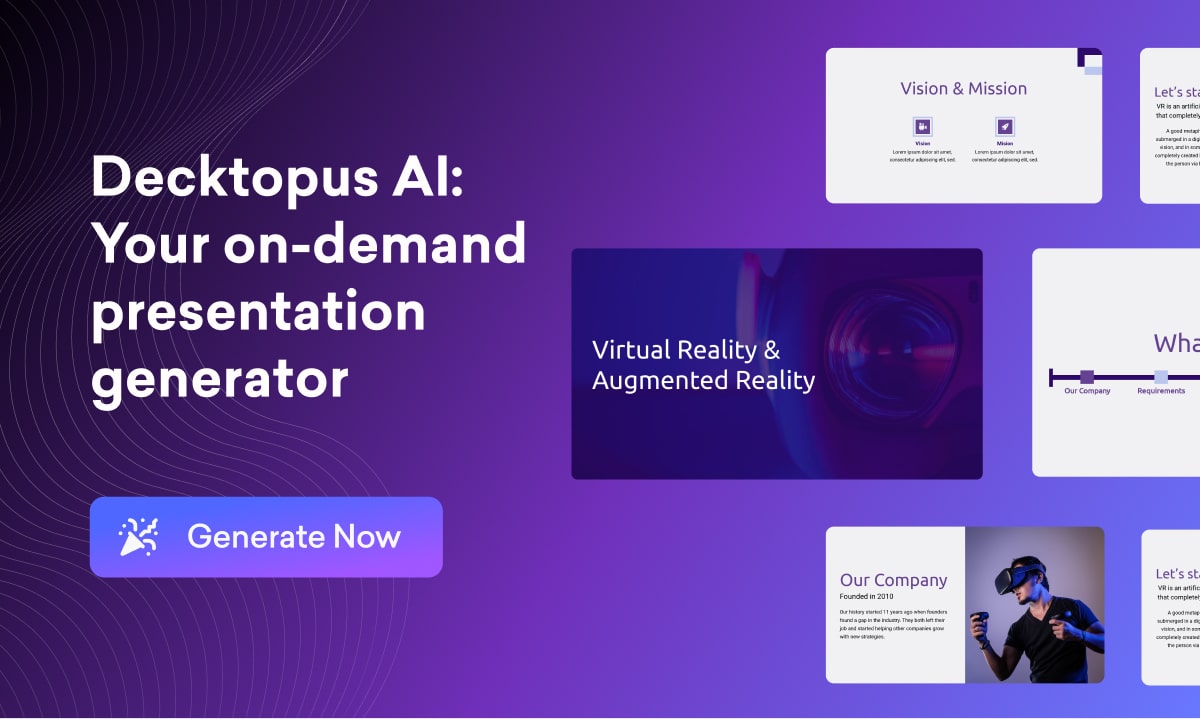
Decktopus AI: AI Presentation Maker & Slide Generator
Decktopus AI turns a simple title into a fully designed presentation in seconds, using AI to handle research, copywriting, and layout so you don't have to.
Overview
Decktopus AI is a smart presentation builder designed to eliminate the tedious parts of deck creation. Instead of starting from a blank canvas, users simply type a title and let the AI generate a complete, professionally structured presentation, complete with layouts, imagery, and copy. A drag-and-drop editor then makes it easy to fine-tune slides, while built-in tools like interactive forms, PDF conversion, and free image/GIF libraries add extra polish and functionality.
What sets Decktopus apart is its focus on the entire presentation lifecycle, not just design. The AI Presenter Coach offers real delivery feedback, helping users practice their pitch before they ever step in front of an audience or client. Features like embedded voice recordings, analytics on viewer engagement, and lead-generating forms turn a static deck into an interactive, trackable asset. This makes it especially useful for sales teams, marketers, and founders who need decks that not only look good but also perform.
With team collaboration tools and enterprise-grade security backing the platform, Decktopus AI scales from solo freelancers to larger organizations needing branded, consistent presentations across departments. The combination of AI-driven speed and interactive depth positions it as a tool for people who need to move fast without sacrificing professionalism.
Capabilities & Features
- AI presentation maker
- Presentation software
- Slide design
- Interactive presentations
- PDF converter
- Team collaboration
- AI image generation
- Drag and drop editor
Core Features
- AI-powered presentation generation from a single title
- Drag-and-drop editor for full customization
- Interactive forms for lead generation and data collection
- AI Presenter Coach for delivery feedback
- PDF to interactive presentation conversion
- Team collaboration and analytics tools
Use Cases
- Building sales decks and pitch presentations quickly
- Creating marketing materials for campaigns and webinars
- Designing startup pitch decks for investors
- Producing customer support and onboarding presentations
- Generating executive summaries and company profiles
Best For
- Sales professionals and BDRs
- Marketing managers
- Startup founders
- Agencies
- Webinar and conference presenters
- Customer support teams
Pros
- •Drastically speeds up presentation creation with AI generation
- •Professionally designed templates remove the need for design skills
- •Interactive elements like forms and embeds boost audience engagement
- •AI Presenter Coach adds unique value for delivery practice
- •Cloud-based, so no software downloads are required
Cons
- •AI credit system limits how many decks can be generated per month
- •Business-tier features like analytics and custom branding are locked behind a higher-priced plan
- •No refunds once a monthly or annual subscription is purchased
- •Advanced customization may still require manual editing time
How to Use
1. Type the title or topic of your presentation into Decktopus AI. 2. Let the AI generate a full draft, including layouts, content, and images. 3. Use the drag-and-drop editor to customize slides, tweak colors and fonts, and add your own content. 4. Insert interactive elements like forms, embedded pages, or voice recordings if needed. 5. Use the AI Presenter Coach to get feedback and delivery tips before presenting. 6. Share, embed, or export your finished deck to your audience.
Frequently Asked Questions
Open in AI Studio
Ask our AI to evaluate if Decktopus AI fits your specific workflow.
Pricing
Decktopus AI offers a Pro plan at $14.99/mo for individuals, a Business plan at $34.99/mo with added lead-gen and branding features, and a custom-priced Enterprise plan for larger organizations.
Pricing data is provided as a summary. Visit the vendor website for full tier details.