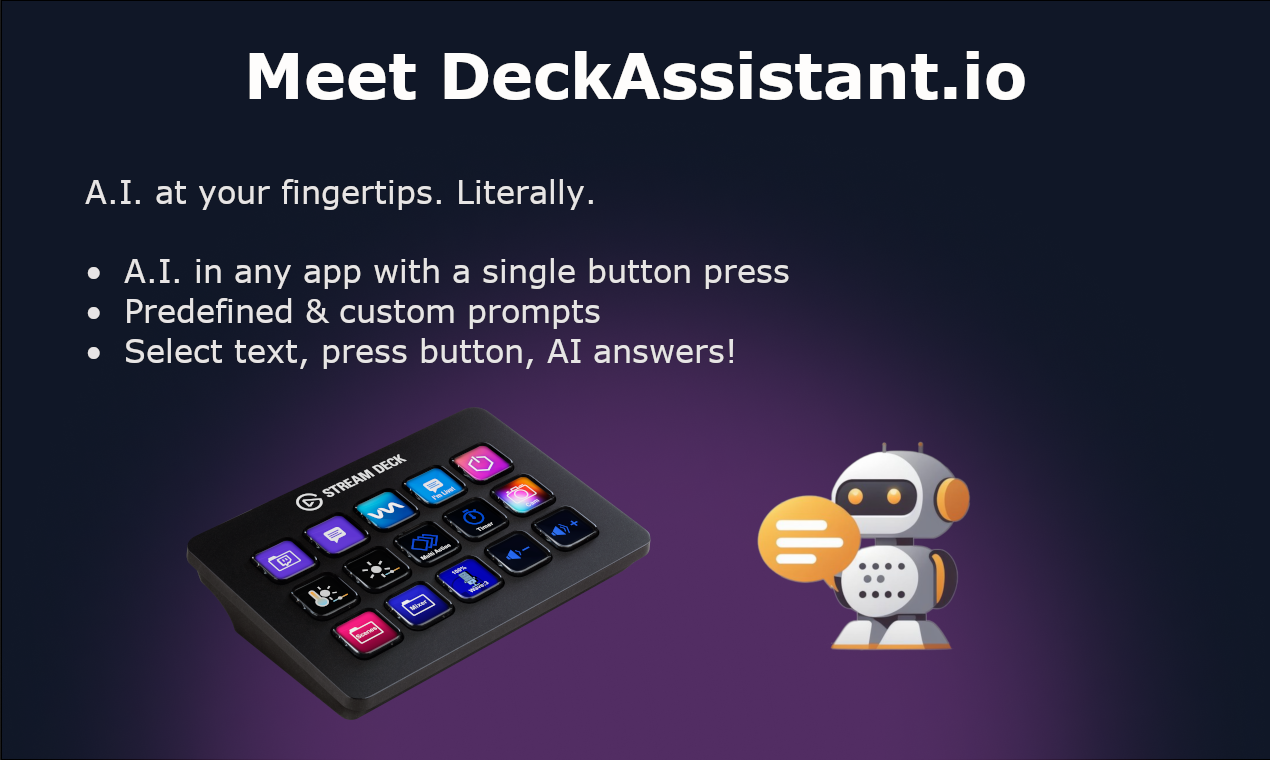
DeckAssistant: AI-Powered Stream Deck Plugin
DeckAssistant turns your Stream Deck into an AI command center, letting you process text and chat with AI from any app with a single button press.
Overview
DeckAssistant reimagines how you interact with AI by embedding it directly into your Stream Deck hardware. Instead of switching windows or copy-pasting into a browser tab, you can select text in any application—an email, code editor, or document—and instantly process it with a custom prompt at the press of a physical button. Need to think out loud instead? A freeform prompt mode lets you converse with the AI on demand, no text selection required.
Beyond quick actions, DeckAssistant functions as a supercharged ChatGPT interface. It brings organizational tools that mainstream chat apps often lack, including folder-based chat management, a searchable history, favorites, and message editing. Power users can build out a personal prompt library, export data and screenshots, share charts, and even generate images, all while staying inside their existing workflow. A Google integration rounds out the toolset for research and productivity tasks.
Whether you're correcting grammar, translating a paragraph, summarizing a long document, or brainstorming creative copy, DeckAssistant compresses these tasks into a single tactile button press. It's designed for anyone who already owns a Stream Deck and wants to eliminate the friction of tab-switching to access AI assistance.
Capabilities & Features
- Stream Deck plugin
- AI assistant
- ChatGPT
- Prompt engineering
- Text processing
- Productivity
- Automation
Core Features
- AI processing of selected text from any application
- Freeform prompt mode for direct AI conversations
- Customizable and saved prompt library
- Folder-based chat organization with history search and favorites
- Message editing, data export, and screenshot/chart sharing
- Google integration and AI image generation
Use Cases
- Instantly correcting spelling and grammar in any text field
- Summarizing long articles or documents without leaving the app
- Translating text between languages on the fly
- Generating creative content like marketing copy or story ideas
- Getting quick answers to research questions via freeform prompts
Best For
- Content creators
- Writers
- Editors
- Researchers
- Programmers
- Customer support agents
- Students
Pros
- •Eliminates app-switching by embedding AI directly into a Stream Deck button
- •Highly customizable prompts for repeatable, specialized tasks
- •Robust chat management with folders, search, and favorites rarely found in standard AI interfaces
- •Supports both quick text processing and open-ended AI conversations
- •Extra utility features like image generation, chart sharing, and Google integration
Cons
- •Requires owning Stream Deck hardware, adding to the overall cost
- •Single pricing tier offers no free trial or lower-cost entry option
- •Learning curve for setting up custom prompts and organizing the button layout
- •Functionality is dependent on a stable API token and active subscription
How to Use
1. Create a DeckAssistant account online. 2. Copy your unique API token from the dashboard. 3. Install the DeckAssistant Stream Deck plugin. 4. Add a new button in the Stream Deck software and paste in your API token. 5. Select text in any application and press the button to process it, or press a freeform button to open a direct AI chat prompt.
Frequently Asked Questions
Open in AI Studio
Ask our AI to evaluate if DeckAssistant fits your specific workflow.
Connect & Contact
Pricing
DeckAssistant offers a single subscription tier priced at SGD 14.52/month or SGD 145.24/year, with no free plan but backed by a no-questions-asked refund policy.
Pricing data is provided as a summary. Visit the vendor website for full tier details.