Comment Generator: AI Instagram Comments Chrome Extension
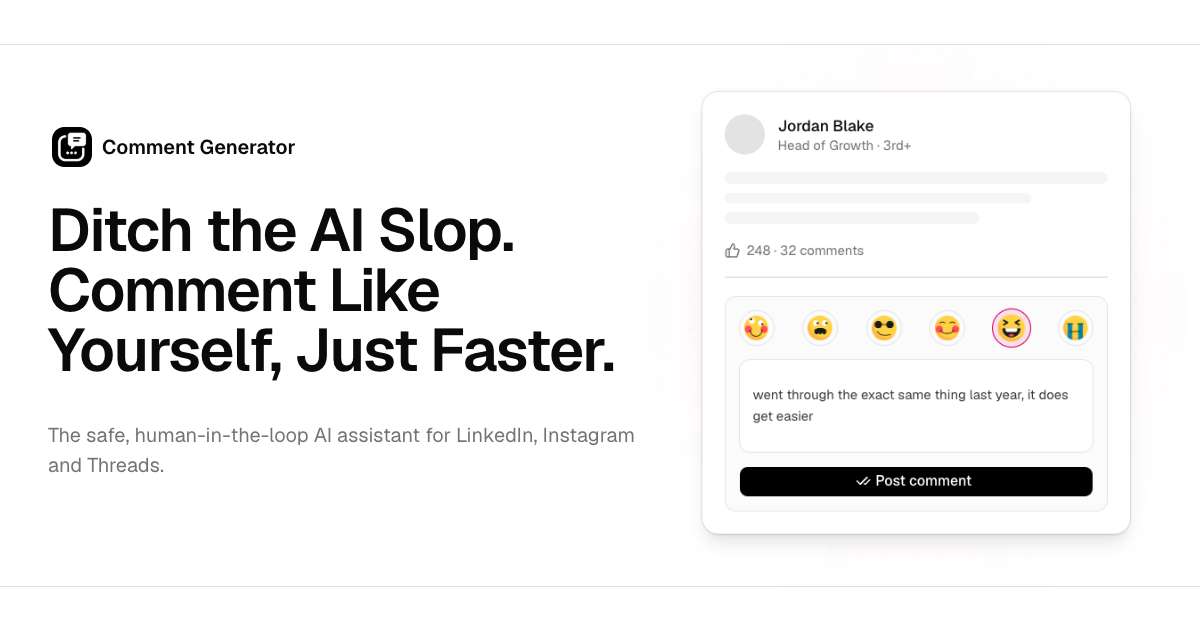
A Chrome extension that reads Instagram captions and auto-generates thoughtful, engaging comments to boost your reach and interactions.
Overview
Comment Generator is a lightweight Chrome extension built for anyone tired of typing the same generic two-word replies on Instagram. Instead of leaving a bland 'nice pic!' comment, the tool scans a post's caption and instantly crafts a relevant, genuine-sounding response designed to spark real engagement. It's a simple way to stay active and visible on Instagram without spending extra time thinking of clever things to say.
Rather than posting automatically, the extension puts you in the driver's seat—every generated comment can be reviewed and tweaked before it goes live, keeping your presence authentic while saving significant time. Whether you're managing dozens of client accounts or just trying to grow your own following, this tool turns comment-writing from a chore into a quick, one-click task.
Designed with social media professionals and everyday creators in mind, Comment Generator focuses on quality over quantity: producing smart, caption-aware replies that feel human, not robotic, so your engagement actually helps build relationships and visibility instead of looking like spam.
Capabilities & Features
- Comment Generator
- Engagement
- Smart Comments
- Auto-generated Comments
- Caption
- Hashtags
- Chrome Extension
Core Features
- Automatic comment generation based on post captions
- Editable suggestions before posting for full control
- Context-aware, non-generic comment style
- Designed to increase engagement and profile visibility
- Simple Chrome extension install with no complex setup
Use Cases
- Quickly commenting on client or brand posts as a social media manager
- Growing an influencer profile through consistent, genuine engagement
- Building brand awareness by engaging with industry-relevant posts
- Saving time on community management for multiple Instagram accounts
- Attracting new followers through thoughtful, caption-specific replies
Best For
- Social Media Managers
- Instagram Influencers
- Marketing Professionals
- Small Business Owners
- Content Creators
Pros
- •Saves time by automating comment writing
- •Generates context-relevant, non-robotic replies
- •Full editing control before posting keeps comments authentic
- •Easy to install and use directly within Instagram
- •Can help boost engagement and follower growth
Cons
- •Only works within Chrome as a browser extension
- •Limited to comment generation—no broader social media management features
- •Quality of suggestions still depends on caption content and context
- •No visible paid tier details beyond the free trial, so long-term pricing is unclear
How to Use
1. Install the Comment Generator Chrome extension from the Chrome Web Store. 2. Browse Instagram as usual and open a post you want to comment on. 3. Let the extension read the post's caption and generate a suggested comment. 4. Review the generated text and edit it if needed to match your voice. 5. Post the comment directly to Instagram.
Frequently Asked Questions
Open in AI Studio
Ask our AI to evaluate if Comment Generator fits your specific workflow.
Connect & Contact
Pricing
Comment Generator offers a completely free 7-day trial with no credit card required, letting users test the tool risk-free before deciding to continue.
Pricing data is provided as a summary. Visit the vendor website for full tier details.