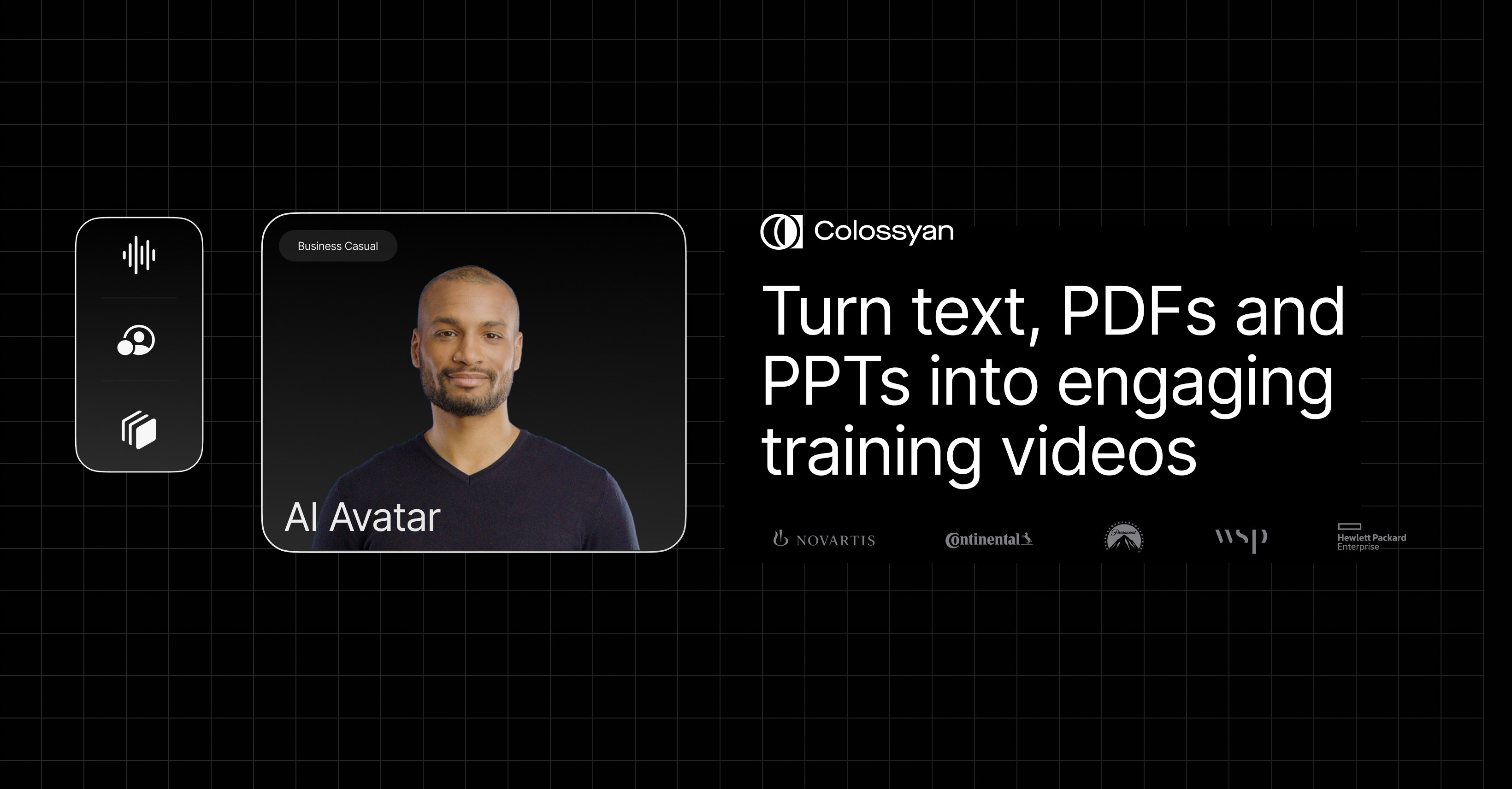
Colossyan: AI Video Generator with Avatars & Voices
Colossyan turns text and documents into polished training and communication videos in minutes using lifelike AI avatars and voices in 80+ languages.
Overview
Colossyan Creator is an AI-powered video generation platform built to eliminate the traditional friction of video production—no cameras, actors, or editing suites required. By simply typing a script or importing an existing document, users can generate professional-looking videos featuring realistic AI avatars and natural-sounding voiceovers in over 80 languages, often in under five minutes. This makes it especially powerful for corporate learning and communication teams who need to produce content at scale without sacrificing quality.
Beyond basic avatar videos, Colossyan is engineered for interactive and enterprise-grade learning experiences. Features like branching scenarios, embedded quizzes, and SCORM integration allow the platform to double as a full e-learning authoring tool, while brand kits and collaboration workspaces keep content consistent across large teams. An AI script assistant helps overcome writer's block, and a built-in screen recorder lets users blend live footage with AI-generated presenters for hybrid training content.
Whether the goal is onboarding new hires, rolling out compliance training, or explaining a new product to customers, Colossyan removes the need for expensive production crews. Its combination of translation tools, analytics, and customizable AI personas makes it a versatile choice for organizations that need to communicate consistently across departments, regions, and languages.
Capabilities & Features
- AI video generator
- video creation
- AI avatars
- AI voices
- e-learning
- training videos
- internal communications
- SCORM
- video translation
- interactive video
Core Features
- Realistic AI avatars, including custom avatars created from a short personal recording
- 600+ AI voices across 80+ languages for global-ready content
- AI script assistant to speed up content writing
- Document-to-video conversion for repurposing existing materials
- Screen recording tool for blending live footage with AI presenters
- Interactive learning tools: quizzes, branching scenarios, and SCORM integration
Use Cases
- Onboarding new employees with consistent, scalable training videos
- Enabling sales teams with quick product and pitch explainer videos
- Educating customers on product features without filming a single scene
- Delivering compliance and safety training across multiple languages
- Building interactive e-learning courses with quizzes and branching paths
Best For
- Healthcare workers
- Professional service teams
- Manufacturing workforce
- Technology educators
- Retail trainers
- HR professionals
- Sales teams
- Compliance officers
- Internal communication teams
Pros
- •Produces professional-quality videos in minutes without filming equipment or actors
- •Wide language support (80+) makes localization fast and simple
- •Interactive elements like quizzes and branching scenarios add real instructional depth
- •SCORM integration and analytics make it suitable for formal corporate LMS use
- •Custom avatar creation adds a personal touch without on-camera work
Cons
- •Advanced interactive features may require a learning curve for new users
- •AI avatars and voices, while realistic, may still feel slightly synthetic compared to live-action video
- •Enterprise-level features and custom avatars likely require higher-tier plans
- •Pricing details aren't fully transparent, requiring a sales conversation for larger teams
How to Use
1. Choose an AI avatar from the library or create a custom one based on a short recording of yourself.
2. Write or paste your script, or use the AI script assistant to generate one automatically.
3. Optionally import an existing document or record your screen to incorporate into the video.
4. Customize the video with your brand kit, select a voice from 600+ options in 80+ languages, and add interactive elements like quizzes or branching scenarios.
5. Preview, collaborate with teammates in a shared workspace, then export or publish the finished video—often in under five minutes.
Frequently Asked Questions
Pricing
Colossyan offers a limited Free plan alongside paid Starter and Business tiers for individuals and teams, with a custom-priced Enterprise plan available for larger organizations—though specific rates aren't publicly listed.
Pricing data is provided as a summary. Visit the vendor website for full tier details.