ChatMind AI (Mapify): AI Mind Map Generator Tool
ChatMind (Mapify) is an AI-powered mind mapping tool that turns PDFs, videos, articles, and more into clear, structured visual maps in minutes.
Overview
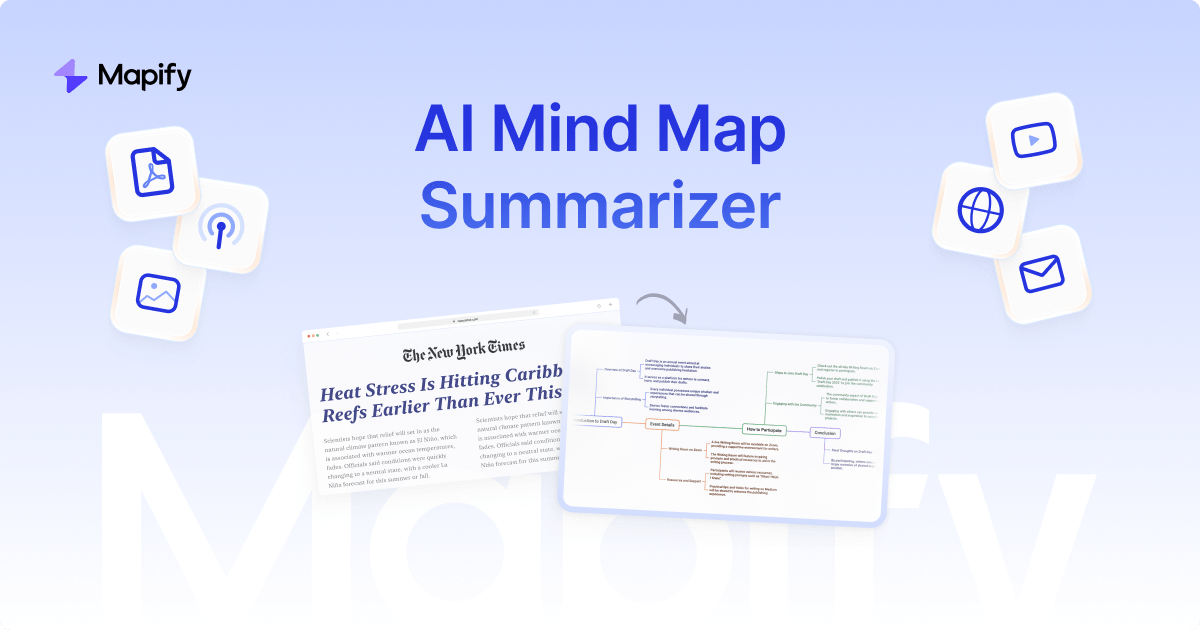
ChatMind, built on the Mapify engine by the Xmind team, transforms dense, unstructured content into visually organized mind maps using AI. Whether you're working with a lengthy PDF, a YouTube lecture, a PowerPoint deck, or a sprawling web article, this tool distills the core ideas into an easy-to-navigate map within minutes, saving hours of manual note-taking and summarization.
Beyond simple generation, ChatMind lets users interact with their content in real time. You can drag, edit, and restructure nodes, chat with an AI assistant to refine or expand sections, and even generate supporting images to visualize concepts. Multi-task support means you can process several documents or videos simultaneously, making it ideal for research-heavy workflows.
Once your mind map is complete, ChatMind offers flexible export options including SVG, Xmind, PDF, and Markdown, so your visual summaries fit seamlessly into whatever tools or presentations you already use. With support for over 30 languages and web-connected real-time data, it's built to serve a global, multi-disciplinary user base.
Capabilities & Features
- AI mind map
- Mind mapping tool
- AI summary generator
- PDF to mind map
- YouTube to mind map
- Brainstorming
- Knowledge management
- Information organization
Core Features
- AI-generated mind maps from PDFs, videos, slides, images, and web pages
- Real-time drag-and-drop editing and collaboration
- AI chat interface for refining and expanding map content
- Multiple export formats including SVG, Xmind, PDF, and Markdown
- Web-connected AI for up-to-date, real-time data support
- Built-in image generation to visually illustrate ideas
- Support for over 30 languages
Use Cases
- Condensing academic papers and industry reports into study-ready visuals
- Turning long YouTube videos into quick-reference mind maps
- Breaking down lengthy web articles into digestible structures
- Organizing meeting notes and project roadmaps
- Facilitating brainstorming sessions and strategic planning
Best For
- Students
- Researchers
- Project managers
- Business analysts
- Content creators
- Educators
- Marketers
Pros
- •Handles a wide variety of content types in one tool
- •Real-time editing makes refining maps fast and intuitive
- •AI chat feature allows conversational refinement rather than manual rework
- •Flexible export options support many downstream workflows
- •Multilingual support broadens accessibility for global users
Cons
- •Accuracy of AI summaries may vary with highly technical or niche content
- •Editing complex, large maps could become visually cluttered
- •Reliant on stable internet access for web-connected features
- •No pricing details provided, making cost expectations unclear upfront
How to Use
1. Choose your source content, such as a YouTube video, PDF, webpage, or document. 2. Upload the file or paste the link directly into ChatMind. 3. Let the AI process the content and generate a structured mind map. 4. Review the output and use real-time editing tools to drag, rearrange, or refine nodes. 5. Chat with the AI to modify sections or add clarifying details. 6. Export your finished mind map in your preferred format (SVG, Xmind, PDF, or Markdown).
Frequently Asked Questions
Open in AI Studio
Ask our AI to evaluate if ChatMind - AI fits your specific workflow.
Connect & Contact
Pricing
Specific pricing tiers were not provided, so availability of free versus paid plans should be confirmed directly on the ChatMind website.
Pricing data is provided as a summary. Visit the vendor website for full tier details.