ChatGPT Writer: AI Email & Writing Assistant Extension
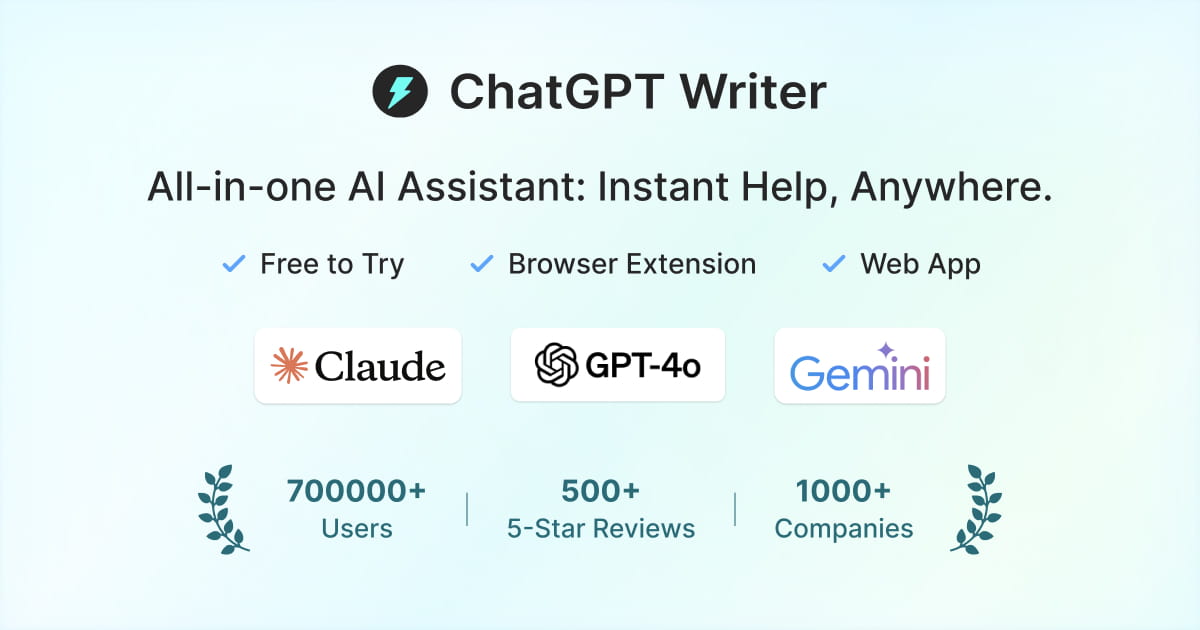
ChatGPT Writer is a free Chrome extension that uses GPT-4.1, Claude, and Gemini to instantly generate emails, fix grammar, and translate text on any website.
Overview
ChatGPT Writer transforms your browser into a powerful AI writing companion, letting you draft polished emails and replies from just a few keywords. Rather than being locked into a single AI model, it gives users the flexibility to switch between GPT-4.1, Claude, and Gemini depending on the task at hand, making it a versatile tool for anyone who spends their day communicating in writing. With deep integrations for Gmail and LinkedIn, it feels less like a bolted-on extension and more like a native part of the platforms you already use.
Beyond email drafting, the tool functions as an all-purpose writing assistant capable of correcting grammar, translating across popular languages, summarizing content, and even researching topics directly within your browser tab. Customizable tone controls, adjustable response lengths, and ready-made prompt templates mean you can tailor the AI's output to match your voice, whether you're closing a sales deal or replying to a customer support ticket. Since it works on virtually any site, it removes the friction of copying and pasting text into a separate chat window.
Designed for speed and accessibility, ChatGPT Writer can be triggered instantly via the extension icon, a keyboard shortcut, or by simply selecting text on a page. This makes it an ideal fit for busy professionals, students, and content creators who need quick, high-quality writing help without breaking their workflow.
Capabilities & Features
- AI email generator
- Grammar checker
- Translation tool
- Writing assistant
- Productivity tool
- Chrome extension
- GPT-4.1
- Claude
- Gemini
- Gmail integration
- LinkedIn integration
Core Features
- AI-powered email and reply generation from keywords
- Instant grammar correction and writing improvement
- Multi-language translation support
- Advanced native integrations for Gmail and LinkedIn
- Switchable AI models including GPT-4.1, Claude, and Gemini
- Customizable writing tone and response length controls
- Ready-to-use prompt templates for common writing tasks
Use Cases
- Drafting quick, professional email responses in Gmail
- Correcting grammar and polishing text on any website
- Translating messages into popular languages instantly
- Summarizing lengthy articles or documents for quick review
- Researching topics and brainstorming ideas without leaving the page
Best For
- Email marketers
- Sales professionals
- Customer support agents
- Content creators
- Students
- Legal professionals
- Frequent writers and communicators
Pros
- •Free to install and use across virtually any website
- •Access to multiple leading AI models in one tool
- •Deep integration with Gmail and LinkedIn streamlines workflows
- •Flexible tone and length controls for personalized output
- •Multiple launch methods make it fast and convenient to access
Cons
- •Heavy reliance on Gmail and LinkedIn may limit value for other platforms
- •Quality of output can vary depending on which AI model is selected
- •As a Chrome-only extension, it isn't available for other browsers or offline use
- •No detailed pricing tiers listed, making cost expectations for advanced use unclear
How to Use
1. Install the ChatGPT Writer extension from the Chrome Web Store.
2. Navigate to any website, such as Gmail, LinkedIn, or a document editor.
3. Launch the tool by clicking the extension icon, pressing the Ctrl+Shift+K shortcut, or highlighting text on the page.
4. Enter a few keywords describing what you want to write, or select existing text to correct, translate, or improve.
5. Choose your preferred AI model, tone, and response length from the available settings.
6. Generate the output and insert it directly into the site you're working on.
Frequently Asked Questions
Open in AI Studio
Ask our AI to evaluate if ChatGPT Writer fits your specific workflow.
Connect & Contact
Pricing
ChatGPT Writer is free to try, though specific paid tier details beyond the free plan are not publicly listed.
Pricing data is provided as a summary. Visit the vendor website for full tier details.