Captions App: AI Video Editor with Auto Captions & Avatars
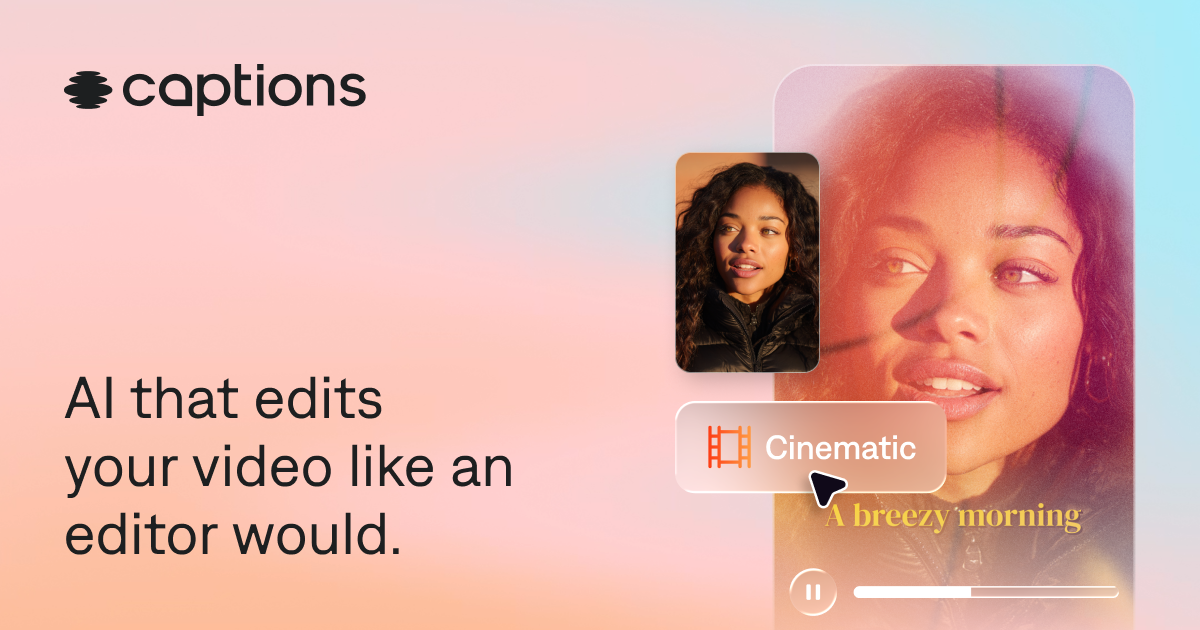
Captions is an AI-powered video creation app that adds real-time captions, generates AI avatars, and automatically edits your footage for social media.
Overview
Captions reimagines the camera app by embedding AI directly into the recording and editing process. As you speak, your words appear instantly on screen as fully customizable captions, eliminating the tedious post-production step most creators dread. Beyond captioning, the app packs a full AI toolkit—an Avatar Generator for creating digital presenters, an Ad Generator for UGC-style marketing content, automatic video translation into dozens of languages, and smart fixes like eye contact correction and background noise removal.
Whether you're a solo creator building a personal brand or a marketing team producing ads at scale, Captions handles the heavy lifting of video production. Its AI Video Editor can trim, clip, and polish footage automatically, while the standalone Ad Studio (powered by Mirage) lets businesses generate hyper-realistic UGC-style ads without hiring actors or crews. The result is a tool that compresses what used to take hours of editing software work into a few taps, making professional-looking video content accessible to creators and companies of any size.
Capabilities & Features
- AI video editor
- Automatic captions
- Video creation
- Social media videos
- AI video generator
- Video translator
- AI avatar
- Ad generation
- Online video editor
Core Features
- Real-time automatic caption generation while recording
- AI-powered automatic video editing and clipping
- AI Avatar Generator for creating digital presenters
- AI Ad Generator and Ad Studio (Mirage) for UGC-style ads
- Multi-language video translation and dubbing
- AI Eye Contact correction and background noise removal
Use Cases
- Producing caption-ready social media videos without manual editing
- Generating UGC-style advertisements at scale using AI actors
- Dubbing and translating videos for international audiences
- Automating tedious video editing tasks with AI clip generation
- Creating branded content using customizable AI avatars
Best For
- Social media managers
- Content creators
- Marketing professionals
- Video editors
- Advertisers
- Businesses producing video content at scale
Pros
- •Real-time captioning removes the need for manual transcription
- •Wide range of AI tools covers editing, translation, and ad creation in one app
- •Scalable plans support everything from solo creators to enterprise ad teams
- •Ad Studio enables realistic UGC-style ads without hiring talent
- •Available across iOS, Android, and Desktop
Cons
- •Higher-tier plans needed to unlock advanced features like Ad Studio and faster processing
- •Business and Enterprise pricing may be steep for small creators
- •Heavy reliance on AI-generated avatars/actors may not suit all brand needs
- •Free plan likely has limited functionality compared to paid tiers
How to Use
1. Open the Captions app and tap once to start recording—your speech is transcribed into on-screen captions in real time. 2. Customize the caption style, fonts, and colors to match your brand or aesthetic. 3. Use AI-powered editing tools to clip, trim, and refine your footage, or generate content with an AI Avatar or Ad Generator. 4. Apply extras like translation, eye contact correction, or noise removal as needed. 5. Export and share your finished video directly to social media platforms.
Frequently Asked Questions
Connect & Contact
Pricing
Captions offers a free starter plan plus five paid tiers ranging from $9.99/mo for core AI editing tools up to $799/mo for enterprise-level UGC ad generation, with custom Enterprise pricing available for large organizations.
Pricing data is provided as a summary. Visit the vendor website for full tier details.