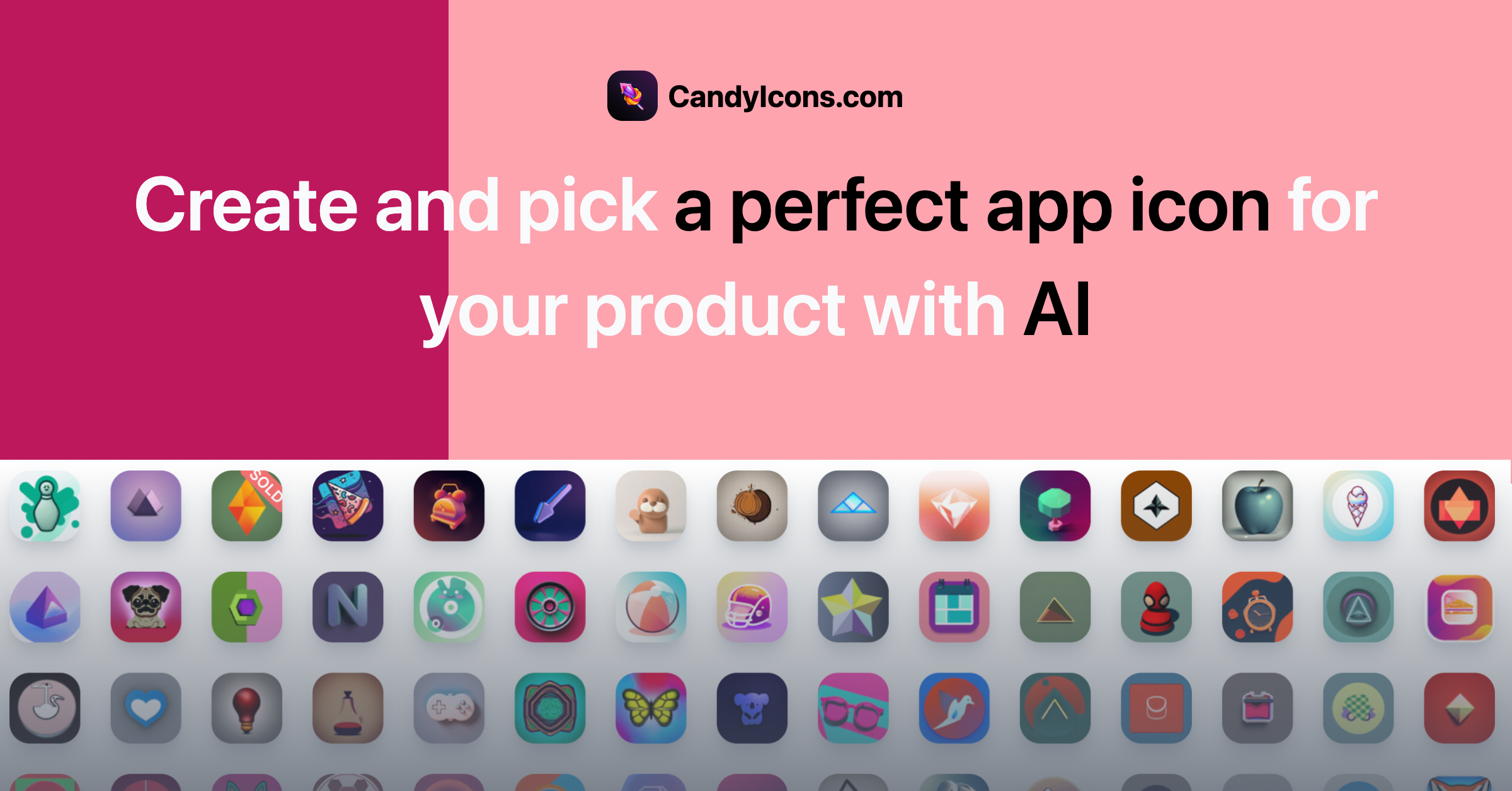
CandyIcons: AI App Icon Generator for iOS & Android
CandyIcons uses AI to generate unique, high-quality app icons in seconds, complete with full copyright ownership and support for iOS, macOS, and Android platforms.
Overview
CandyIcons is an AI-driven design tool built specifically for developers and designers who need standout app icons without hiring a professional illustrator. By simply describing an icon concept with keywords, selecting a color palette, and picking a visual style, users can generate a range of polished, unique icon options in moments. Every icon comes with full copyright ownership, making it safe to use in commercial App Store and Play Store submissions.
Beyond icon generation, CandyIcons rounds out its toolkit with practical utilities like an iOS/macOS asset generator and a favicon generator, helping teams quickly produce all the sized assets needed for app store listings and website branding. For those who want instant results without the AI generation process, a library of premade icons is also available for purchase, giving users flexibility between custom AI creations and ready-made designs.
Whether you're an indie developer launching your first app or a design agency managing multiple client projects, CandyIcons streamlines what is typically a time-consuming creative bottleneck. It removes the need for back-and-forth with graphic designers or complex design software, letting anyone generate professional-grade icon assets directly from a browser.
Capabilities & Features
- AI app icon generator
- App icon design
- Icon generator
- Favicon generator
- iOS icon
- Android icon
- macOS icon
- AI design
- Graphic design
- Asset generator
Core Features
- AI-powered app icon generation from text keywords
- Customizable styles and color palettes
- iOS/macOS asset generator for platform-ready exports
- Free favicon generator for websites
- Marketplace of premade icons available for direct purchase
- Full copyright ownership of generated and purchased icons
Use Cases
- Designing a unique app icon for a new iOS or Android app launch
- Generating a custom favicon for a website or web app
- Producing correctly sized icon asset sets for macOS and iOS submissions
- Quickly sourcing a premade icon when time is limited
- Refreshing outdated app branding with an AI-generated redesign
Best For
- App developers
- UI/UX designers
- Mobile app marketers
- Website developers
- Graphic designers
- Indie developers
Pros
- •Generates unique icons quickly using simple keyword prompts
- •Full copyright ownership removes licensing concerns
- •Includes free supporting tools like asset and favicon generators
- •Supports major platforms including iOS, macOS, and Android
- •Offers premade icons for users who want instant results
Cons
- •Exact file formats (e.g., SVG availability) are not clearly documented
- •No clear information on where generated icons are stored long-term
- •Pricing structure and credit expiration policies are not transparently listed
- •AI-generated results may require some trial and error to match exact brand vision
How to Use
1. Describe the icon you envision using descriptive keywords. 2. Choose your preferred color scheme. 3. Select a visual style that matches your app's branding. 4. Let the AI generate a set of icon options based on your inputs. 5. Use the built-in iOS/macOS asset generator or favicon generator to export the correct sizes and formats for your platform.
Frequently Asked Questions
Connect & Contact
Pricing
Specific pricing details are not publicly listed, though the platform appears to combine a credit-based system for AI generation with one-time purchases available for premade icons.
Pricing data is provided as a summary. Visit the vendor website for full tier details.