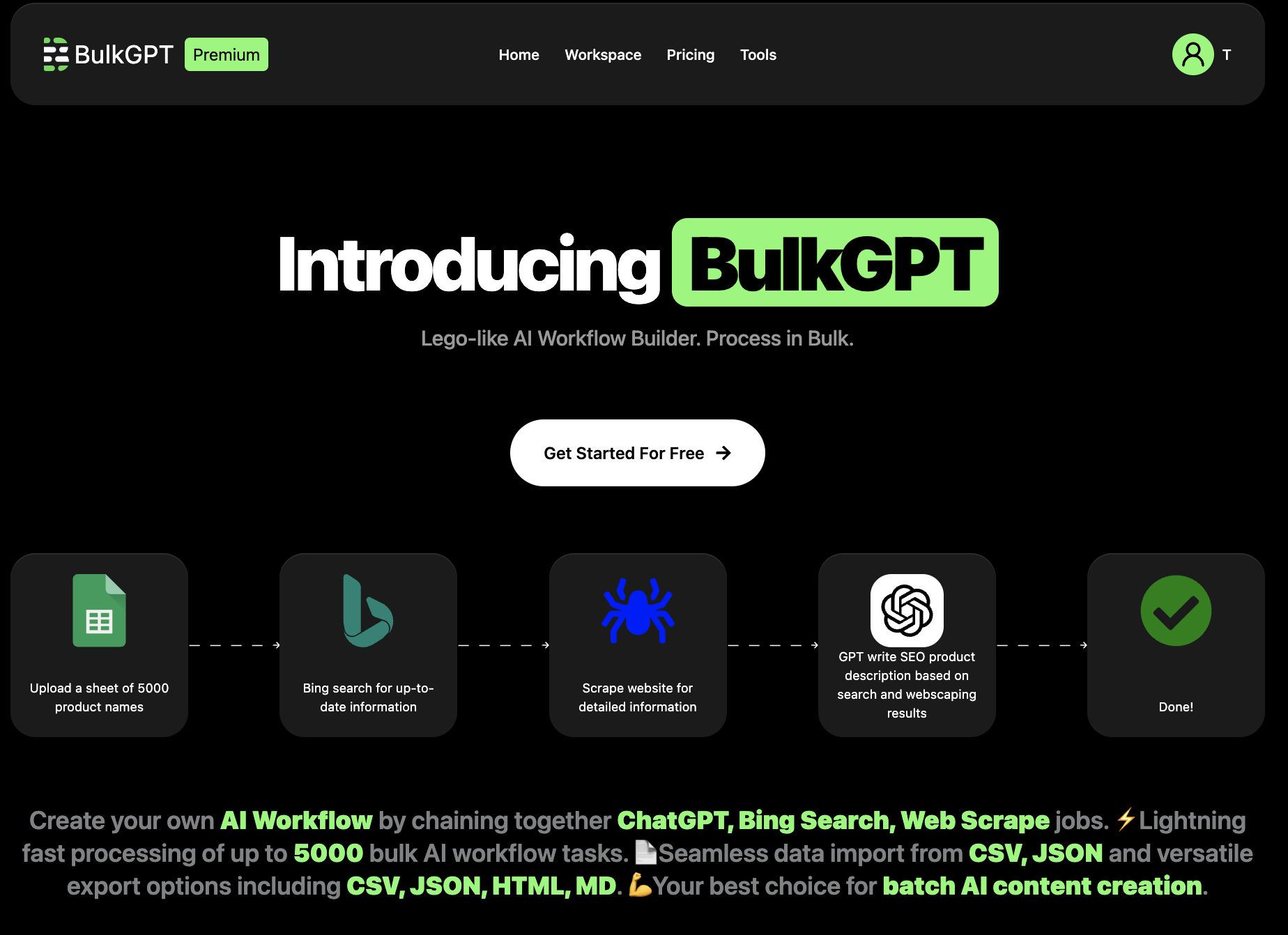
BulkGPT.ai: Bulk ChatGPT Processing & CSV Export Tool
BulkGPT.ai lets you run thousands of ChatGPT requests at once and export the results straight to CSV, no coding required.
Overview
BulkGPT.ai transforms ChatGPT from a one-at-a-time chatbot into a scalable, no-code automation engine. Instead of manually copying and pasting prompts, users can upload a CSV or JSON file of inputs, define a single ChatGPT task, and let BulkGPT fan it out across thousands of rows concurrently. The platform then compiles every response into a downloadable file, turning hours of repetitive prompting into minutes of automated batch work.
Beyond raw batch processing, BulkGPT layers in web scraping and data extraction capabilities, letting teams pull information from the web and feed it directly into AI workflows without writing a single line of code. This makes it especially useful for building personalized outbound campaigns, generating large volumes of SEO or product content, and analyzing customer feedback at scale.
Designed for marketers, SEO specialists, e-commerce operators, and data analysts, BulkGPT bridges the gap between AI experimentation and production-grade content pipelines, giving non-technical teams the throughput usually reserved for engineering-heavy setups.
Capabilities & Features
- ChatGPT automation
- Bulk ChatGPT
- AI workflow automation
- No-code web scraping
- Data scraping
- Content creation
- SEO
- E-commerce
- Marketing automation
- Batch processing
Core Features
- Bulk ChatGPT request processing with concurrent threads
- No-code AI workflow builder for repeatable tasks
- Built-in web scraping and data extraction
- Support for access to all major LLMs
- Asynchronous batch processing for speed
- CSV/JSON import and flexible export options
Use Cases
- Generating SEO-optimized articles and metadata at scale
- Writing product descriptions for large e-commerce catalogs
- Summarizing and analyzing bulk customer reviews
- Creating personalized outbound marketing and email campaigns
- Scraping and structuring data from websites and social media
Best For
- Marketing teams
- SEO specialists
- E-commerce businesses
- Data analysts
- Content creators
- Growth hackers
Pros
- •Dramatically speeds up repetitive ChatGPT tasks with concurrent processing
- •No-code setup makes automation accessible to non-technical users
- •Built-in scraping removes the need for separate data collection tools
- •Flexible import/export formats fit existing data pipelines
- •Free tier available to test workflows before committing
Cons
- •Batch and thread limits on lower tiers may bottleneck larger projects
- •Usage-based pricing (BT credits) can become costly at high volume
- •Relies on underlying LLM quality, so output still needs human review
- •Learning the task splitter and job setup may take some initial ramp-up
How to Use
1. Upload your ChatGPT inputs via a CSV or JSON file, or enter data manually. 2. Create a ChatGPT job and connect it to your input using the task splitter. 3. Let BulkGPT run the batch requests concurrently across multiple threads. 4. Download the completed results in your preferred file format.
Frequently Asked Questions
Connect & Contact
Pricing
BulkGPT offers a free plan with 200 bonus BT credits and no credit card required, plus paid tiers starting at $15/month for 1,000 BT and scaling to $85/month for 10,000 BT, with extra usage billed per BT beyond each plan's included allowance.
Pricing data is provided as a summary. Visit the vendor website for full tier details.