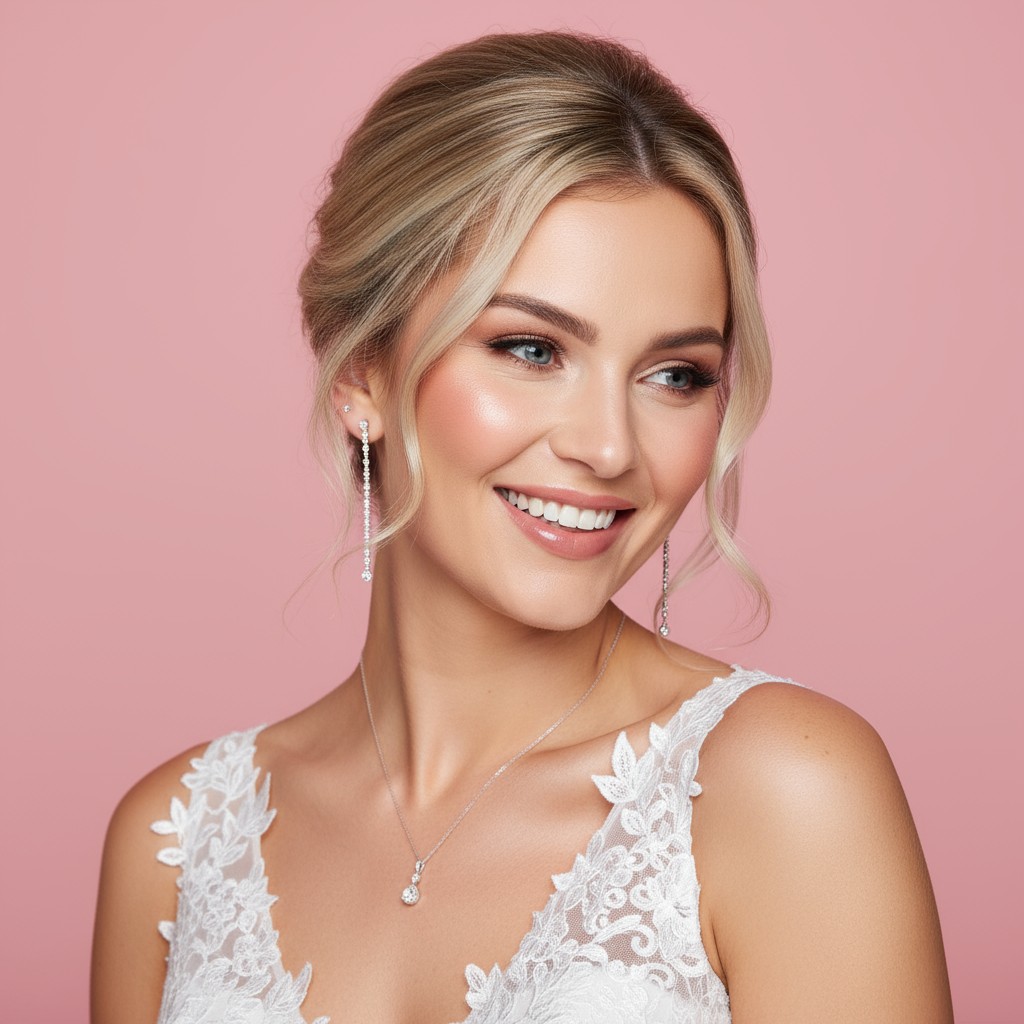
BrideLook AI: Virtual Bridal Hairstyle Try-On App
BrideLook AI lets brides-to-be virtually try on wedding hairstyles using a selfie, generating personalized, high-resolution looks in seconds.
Overview
BrideLook AI takes the guesswork out of bridal hair planning by turning a simple selfie into a personalized hairstyle preview. Using advanced facial analysis, the app studies your unique features and face shape to recommend flattering bridal hairstyles from a curated library of roughly 25 options, so you're never stuck scrolling through generic inspiration boards that don't suit your look. Once your selfie is processed, the AI immediately deletes it from its servers, giving privacy-conscious users peace of mind while they experiment freely. Beyond just static previews, BrideLook AI generates multiple angle views of each hairstyle, allowing you to see how a style holds up from the front, side, and back before committing to a salon appointment. Favorite looks can be downloaded in high resolution or shared directly to social media, making it easy to gather feedback from friends, family, or your stylist. Whether you're a bride narrowing down options, a wedding planner helping clients visualize their big day, or a hairstylist looking for a quick consultation tool, this app streamlines the decision-making process and reduces the stress of last-minute hairstyle changes.
Capabilities & Features
- AI hairstyle
- Bridal hairstyle
- Virtual hairstyle
- Hairstyle designer
- Wedding hair
- AI beauty
- Face shape analysis
Core Features
- AI-driven hairstyle recommendations based on facial feature and face shape analysis
- Virtual try-on for around 25 curated bridal hairstyles
- Multiple angle viewing to see styles from every side
- High-resolution downloads for saving and sharing favorites
- Selfie or gallery photo upload options
- Automatic deletion of photos from servers after processing for privacy
Use Cases
- Narrowing down bridal hairstyle options before a wedding
- Testing multiple looks for a wedding trial run without leaving home
- Wedding planners showcasing style options to clients
- Hairstylists using AI previews during client consultations
- Sharing potential hairstyles with friends and family for feedback
Best For
- Brides-to-be
- Wedding planners
- Hairstylists and salon professionals
- Bridesmaids helping choose group looks
- Wedding photographers seeking style previews
Pros
- •Personalized suggestions tailored to individual face shapes rather than generic style lists
- •Multiple angle views give a realistic sense of how a hairstyle will actually look
- •High-resolution downloads make it easy to share styles with stylists
- •Privacy-focused approach with automatic photo deletion after processing
- •Flexible input options via selfie capture or gallery upload
Cons
- •Limited to a curated set of roughly 25 hairstyles, which may not cover every bridal trend
- •AI suggestions may not perfectly account for hair texture, length, or styling feasibility
- •Requires a clear, well-lit selfie for accurate facial analysis results
- •Digital previews may still differ from real-life salon execution
How to Use
1. Open the app and either take a new selfie or upload an existing photo from your gallery. 2. Browse the curated list of bridal hairstyles and select the ones you're interested in trying. 3. Let the AI analyze your facial features and generate tailored hairstyle previews. 4. Rotate and view your chosen styles from multiple angles. 5. Download your favorite looks in high resolution or share them directly to social media for feedback.
Frequently Asked Questions
Open in AI Studio
Ask our AI to evaluate if BrideLook AI: Hairstyle Designer fits your specific workflow.
Connect & Contact
Pricing
BrideLook AI offers both a subscription plan for unlimited hairstyle generation and a one-time payment option based on the number of hairstyles you want to create, though specific pricing tiers aren't publicly listed.
Pricing data is provided as a summary. Visit the vendor website for full tier details.