BgSub: Free AI Background Remover & Replacer
BgSub uses AI to remove or replace image backgrounds in seconds, processing everything locally in your browser for total privacy.
Overview
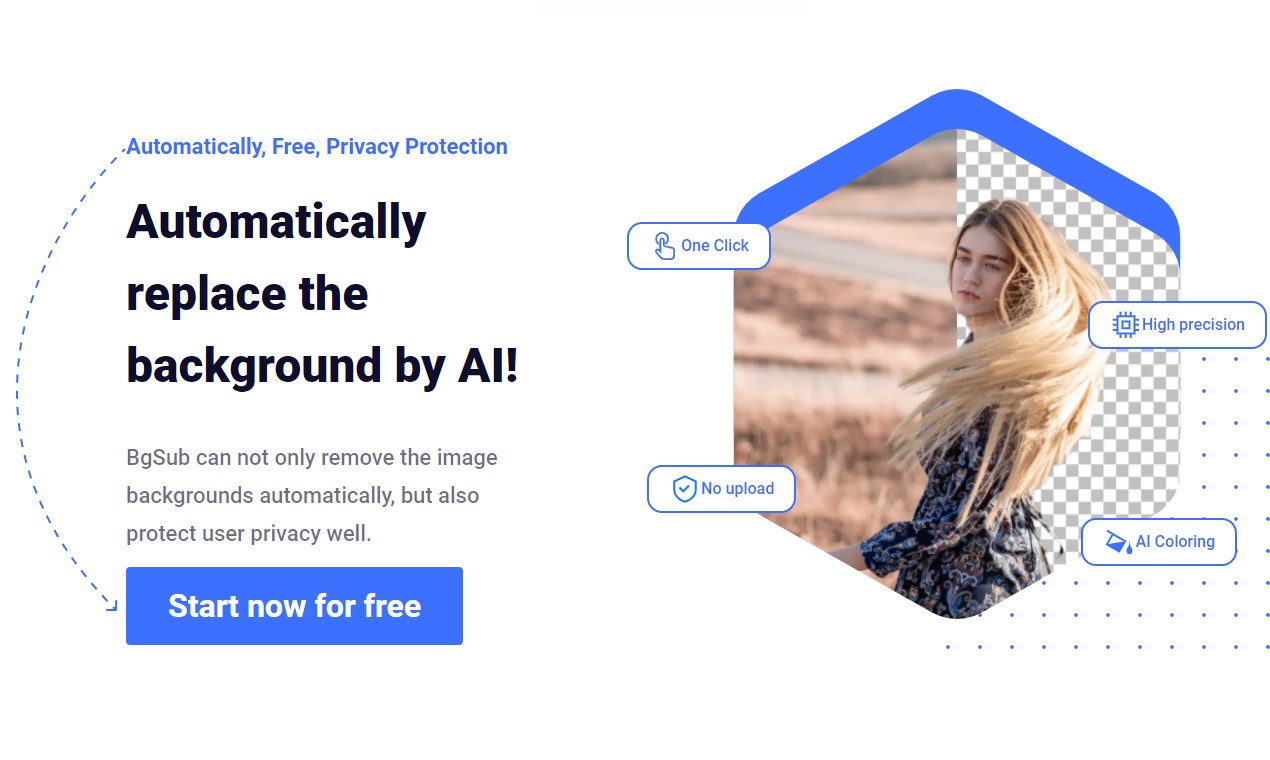
BgSub is a browser-based AI tool that strips away the hassle of manual background editing. In just five seconds, it can automatically detect subjects, remove backgrounds, and swap them out for solid colors, gradients, or custom images—no green screen or Photoshop skills required. Because all processing happens locally in your browser, your photos never leave your device, giving you a fast and private editing experience.
Beyond simple removal, BgSub offers AI-driven color correction to make swapped backgrounds blend naturally with your subject, plus free resizing and repositioning controls so you can fine-tune the final composition. A selection of artistic effects rounds out the toolkit, letting creators, marketers, and everyday users produce polished visuals for social media, e-commerce listings, ads, and more—all without uploading a single file to a remote server.
Capabilities & Features
- AI background removal
- Image editing
- Background replacement
- Automatic color adjustment
- Privacy-focused
- No upload
- Image enhancement
- AI coloring
Core Features
- One-click automatic background removal
- Background replacement with colors, gradients, or custom images
- AI-powered color adjustment for natural blending
- Free size and position adjustments
- Artistic effect filters
- In-browser processing with no image uploads required
Use Cases
- Changing backgrounds for social media profile and post photos
- Creating clean product images for e-commerce listings
- Removing or swapping character backgrounds without a green screen
- Designing visuals for websites and mobile apps
- Producing engaging graphics for tweets, blogs, and newsletters
- Building eye-catching advertising creatives
Best For
- Individuals
- Web and app developers
- Photographers
- E-commerce businesses
- Media professionals
- Marketing professionals
- Designers
Pros
- •Fast processing—background changes in about 5 seconds
- •Strong privacy protection since images are processed in-browser only
- •No account, software installation, or image upload required
- •Free to use
- •Includes creative extras like AI coloring and artistic effects
Cons
- •No documented API or batch processing support for handling multiple images at scale
- •Maximum output resolution is unclear from available information
- •Lacks advanced manual editing tools found in professional design software
- •Browser-based processing may be limited by device hardware for large or high-res files
How to Use
1. Open the BgSub web app in your browser. 2. Load the image you want to edit—processing happens locally, so no upload is needed. 3. Let the AI automatically detect and remove the background. 4. Choose a replacement (color, gradient, or custom image) if desired. 5. Adjust size, position, and apply AI coloring or artistic effects as needed. 6. Download your finished image.
Frequently Asked Questions
Pricing
BgSub is completely free to use, with no listed paid tiers or subscription plans.
Pricing data is provided as a summary. Visit the vendor website for full tier details.