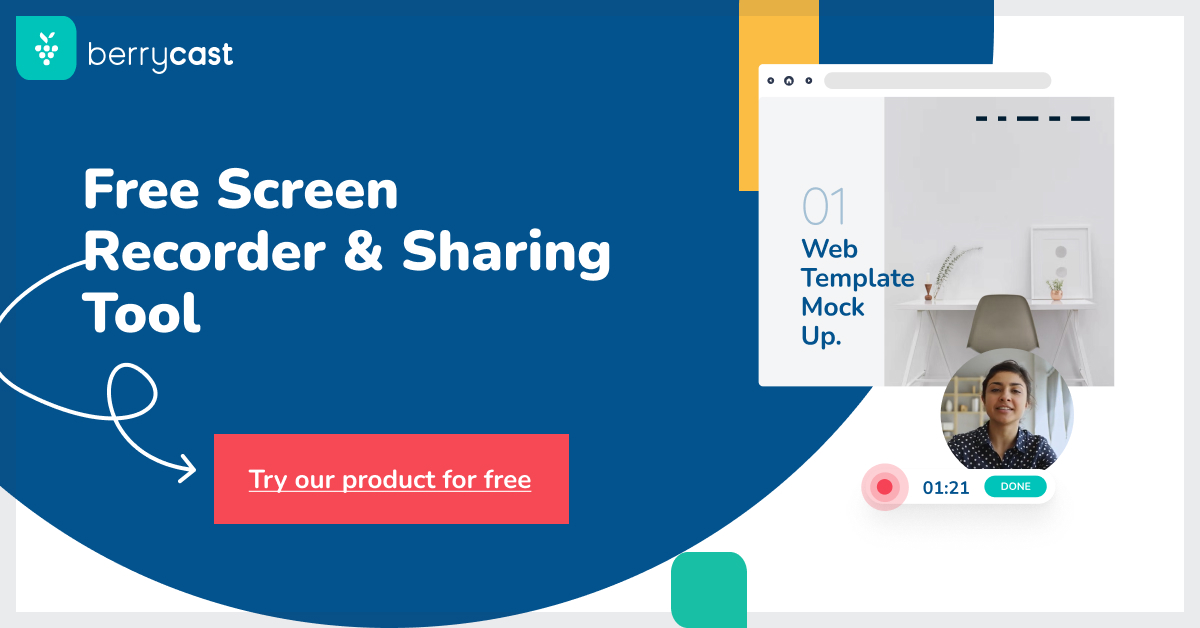
Berrycast: AI Screen Recorder & Video Messaging Tool
Berrycast combines screen recording, video messaging, and AI-generated transcripts to make workplace communication faster and clearer.
Overview
Berrycast is a screen recording and async video messaging platform built to cut down on endless meetings and back-and-forth emails. Users can record their screen alongside a webcam bubble, instantly share a link, and let Berrycast's AI Note Taker handle the rest—generating live transcripts, conversation summaries, action items, email drafts, and even how-to articles from the recording.
While it's a great fit for any team looking to streamline collaboration, Berrycast shines particularly for mortgage brokers who need to walk clients through complex paperwork or loan options with a personal, visual touch. Sales teams, support agents, and educators also benefit from being able to explain concepts visually while the AI automatically documents key takeaways.
By embedding recorded conversations directly into everyday work apps, Berrycast helps teams keep context in one place rather than jumping between tools. The result is a communication workflow that saves time, reduces misunderstandings, and speeds up decision-making across departments.
Capabilities & Features
- Screen recorder
- Video messaging
- AI note taker
- Video communication
- Screencasting
- Collaboration tool
- Asynchronous communication
- Mortgage guidance
- Video transcript
- AI writer
Core Features
- Screen recording with webcam overlay
- Async video messaging with shareable links
- Live transcript generation during recording
- AI-powered summaries, action items, and email drafts
- Custom branding and video analytics (higher tiers)
- Embeddable conversations for daily app integration
Use Cases
- Walking mortgage clients through loan documents and options visually
- Sending quick video updates instead of scheduling meetings
- Creating how-to guides and training material from recorded sessions
- Speeding up sales follow-ups with personalized video pitches
- Documenting support calls with automatic transcripts and summaries
Best For
- Mortgage brokers
- Sales teams
- Customer support teams
- Project managers
- Educators
- Trainers
Pros
- •Combines screen recording, messaging, and AI note-taking in one tool
- •Live transcripts save time on manual documentation
- •AI Writer speeds up creating summaries, emails, and action items
- •Flexible plan upgrades and downgrades with prorated billing
- •Generous 14-day (extendable) free trial with no credit card required
Cons
- •AI Writer and transcript features are limited on the entry-level Professional plan
- •No refunds once a plan is purchased
- •Advanced features like analytics and unlimited AI usage require the priciest Enterprise tier
- •Per-user pricing may add up quickly for larger teams
How to Use
1. Launch the Berrycast screen recorder from your dashboard.
2. Click 'Record' to start capturing your screen with a webcam bubble overlay.
3. Talk through your screen as you would in a live call.
4. Stop recording and let Berrycast generate a live transcript automatically.
5. Use the AI Writer to create summaries, action items, or email drafts from the transcript.
6. Share the video link directly or embed it into your everyday work apps for collaboration.
Frequently Asked Questions
Open in AI Studio
Ask our AI to evaluate if Berrycast Transcripts (Powered by AI) fits your specific workflow.
Connect & Contact
Pricing
Berrycast offers three annually-billed per-user plans ranging from $16/mo for basic recording to $29/mo for unlimited AI writing, transcripts, and video analytics, with a 14-day free trial (extendable) available.
Pricing data is provided as a summary. Visit the vendor website for full tier details.