BeFunky: Online Photo Editor, Collage & Design Tool
BeFunky is an all-in-one online creative platform for photo editing, collage making, and graphic design, no downloads required.
Overview
BeFunky brings photo editing, collage creation, and graphic design together in one intuitive browser-based platform. Whether you're touching up a portrait, batch-processing dozens of product shots, or designing a social media banner from scratch, BeFunky provides the tools to do it without switching between multiple apps or installing complex desktop software.
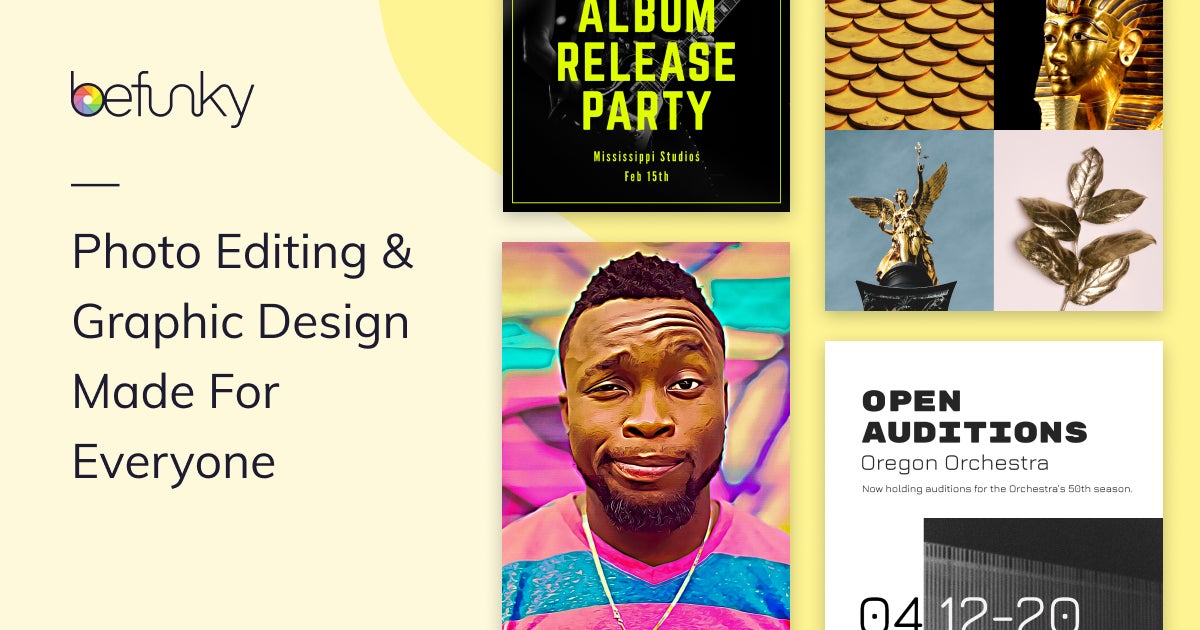
The platform's Photo Editor includes background removal, portrait retouching, exposure adjustments, and creative effects like Cartoonizer and Digital Art filters, while the Collage Maker offers a one-click wizard and customizable layouts for turning scattered photos into polished visual stories. For design work, users can tap into a library of templates, millions of stock images, and thousands of vector graphics and icons, using a simple drag-and-drop interface to build flyers, posters, and banners.
Because everything lives in a single web-based ecosystem, BeFunky appeals to a wide range of users, from casual hobbyists sprucing up vacation photos to small business owners and social media marketers who need quick, professional-looking visuals on a regular basis.
Capabilities & Features
- photo editing
- collage maker
- graphic design
- online editor
- image enhancement
- template design
- stock images
- vector graphics
- batch editing
- background removal
- portrait retouching
Core Features
- Full-featured online photo editor with effects and adjustments
- One-click and customizable Collage Maker
- Drag-and-drop graphic design tool with templates
- Batch editing for processing multiple photos at once
- AI-powered background remover and portrait retouching
- Access to millions of stock images and vector graphics/icons
Use Cases
- Enhancing personal or professional photos with filters and effects
- Creating photo collages to share travel memories or life events
- Designing banners, flyers, and social posts for marketing campaigns
- Batch editing large photo libraries to save time
- Removing backgrounds for product photography or clean portraits
- Retouching selfies and portraits for a polished, professional finish
Best For
- Photographers
- Graphic designers
- Social media marketers
- Small business owners
- Content creators
- Hobbyists
Pros
- •Combines photo editing, collage making, and graphic design in one platform
- •No software installation needed—works entirely in the browser
- •Batch editing saves significant time on repetitive tasks
- •Large built-in library of stock images, templates, and vector graphics
- •Beginner-friendly drag-and-drop interface
Cons
- •Advanced features are locked behind the BeFunky Plus paid tier
- •Being browser-based, performance may depend on internet connection
- •May lack the depth of professional desktop tools like Photoshop for power users
- •Limited offline access compared to installed software
How to Use
Start by uploading your photos to the platform. Use editing tools such as crop, resize, exposure adjustment, Cartoonizer, Digital Art, and Enhance DLX to refine individual images. To build a collage, upload multiple photos and apply the Collage Wizard or choose from customizable layout options. For graphic design projects, pick a pre-made template or start from a blank canvas and use the drag-and-drop editor to add text, images, and design elements.
Frequently Asked Questions
Connect & Contact
Pricing
Specific pricing tiers weren't provided, but BeFunky operates on a freemium model, offering core editing tools for free while gating premium features like advanced retouching, templates, and effects behind the paid BeFunky Plus subscription.
Pricing data is provided as a summary. Visit the vendor website for full tier details.