Beautiful.ai: AI-Powered Presentation Software
Beautiful.ai uses AI-driven design automation to turn simple content into polished, professional slides in minutes. It's built for teams who want stunning presentations without the design hassle.
Overview
Beautiful.ai is a smart presentation tool that takes the guesswork out of slide design by applying professional design rules automatically as you build. Instead of manually aligning text boxes and images, users work with Smart Slide templates that adapt in real time, ensuring every deck looks polished and consistent regardless of who's creating it. This makes it especially valuable for teams that need to produce frequent, high-quality decks like pitch presentations, sales proposals, and marketing reports without relying on a dedicated designer.
Beyond individual slide creation, Beautiful.ai is built with collaboration and brand governance in mind. Teams can work together under a shared account, locking in brand colors, fonts, and logos so every presentation stays on-brand no matter who's contributing. Integrations with tools like Slack, Dropbox, PowerPoint, monday.com, and Salesforce help slot the platform into existing workflows, making it easy to import content, share decks, and keep everyone aligned from first draft to final delivery.
Capabilities & Features
- AI presentation maker
- Presentation software
- Slide design
- Team collaboration
- Brand management
- Template-based design
- Automated design
Core Features
- AI-powered design automation that adjusts layouts instantly
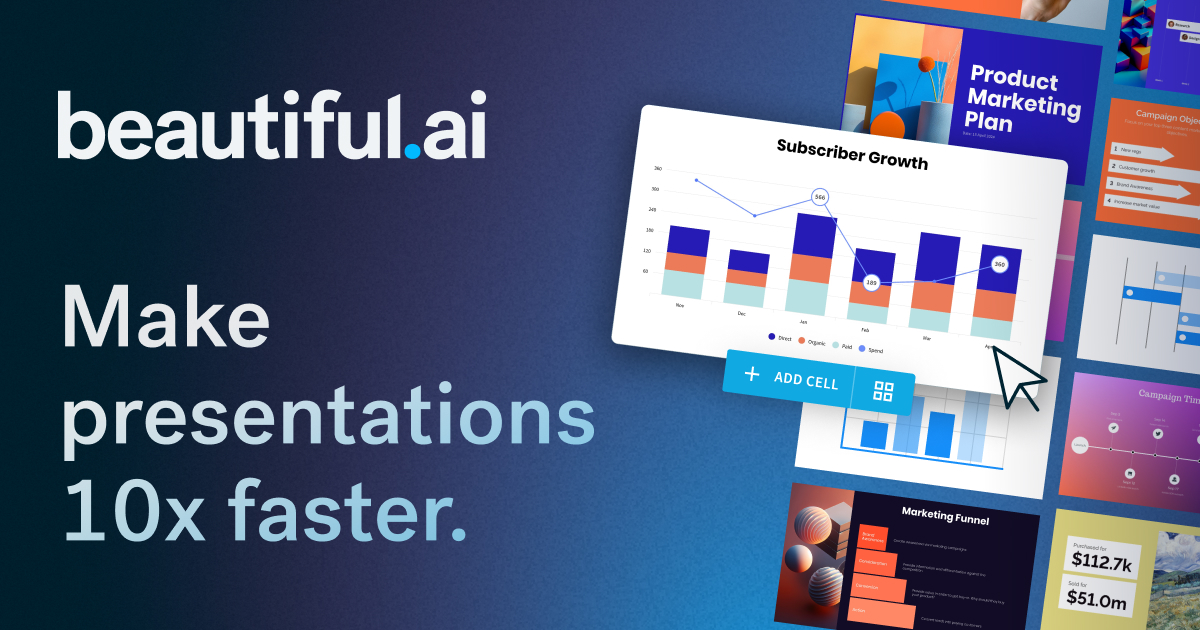
- Smart slide templates for quick, professional-looking builds
- Real-time team collaboration under one shared account
- Brand control tools to lock fonts, colors, and logos
- Integrations with Slack, Dropbox, PowerPoint, monday.com, and Salesforce
Use Cases
- Creating marketing reports and campaign presentations
- Building pitch decks for startup fundraising
- Crafting branded sales proposals for client meetings
- Designing educational or training presentations
- Producing consistent internal reports across departments
Best For
- Marketing teams
- Sales teams
- Startup founders
- Educators
- Business professionals
- Designers
Pros
- •Automates design decisions, saving significant time on formatting
- •Keeps presentations visually consistent across a whole team
- •Smart templates reduce the learning curve for non-designers
- •Strong integration ecosystem fits into existing workflows
- •Brand control features help maintain a professional identity
Cons
- •Automated design rules may limit fully custom, freeform layouts
- •Advanced brand and team controls likely require higher-tier plans
- •Pricing isn't transparently listed, requiring a website visit to compare plans
- •Heavy reliance on templates may feel restrictive for highly creative users
How to Use
Start by selecting a Smart Slide template that matches your content type, whether it's a title slide, chart, or timeline. Add your text, images, and data, and Beautiful.ai's AI design engine automatically adjusts layout, spacing, and formatting in real time as you go. Invite teammates to collaborate under a shared workspace, apply brand guidelines to keep every deck consistent, and use built-in integrations to pull in files from Dropbox, PowerPoint, or other connected tools before sharing the finished presentation.
Frequently Asked Questions
Open in AI Studio
Ask our AI to evaluate if Beautiful.ai fits your specific workflow.
Pricing
Beautiful.ai offers tiered Pro, Team, and Enterprise plans scaled for individuals through large organizations, though exact pricing isn't published and must be checked directly on their website; a free plan is also available for students.
Pricing data is provided as a summary. Visit the vendor website for full tier details.