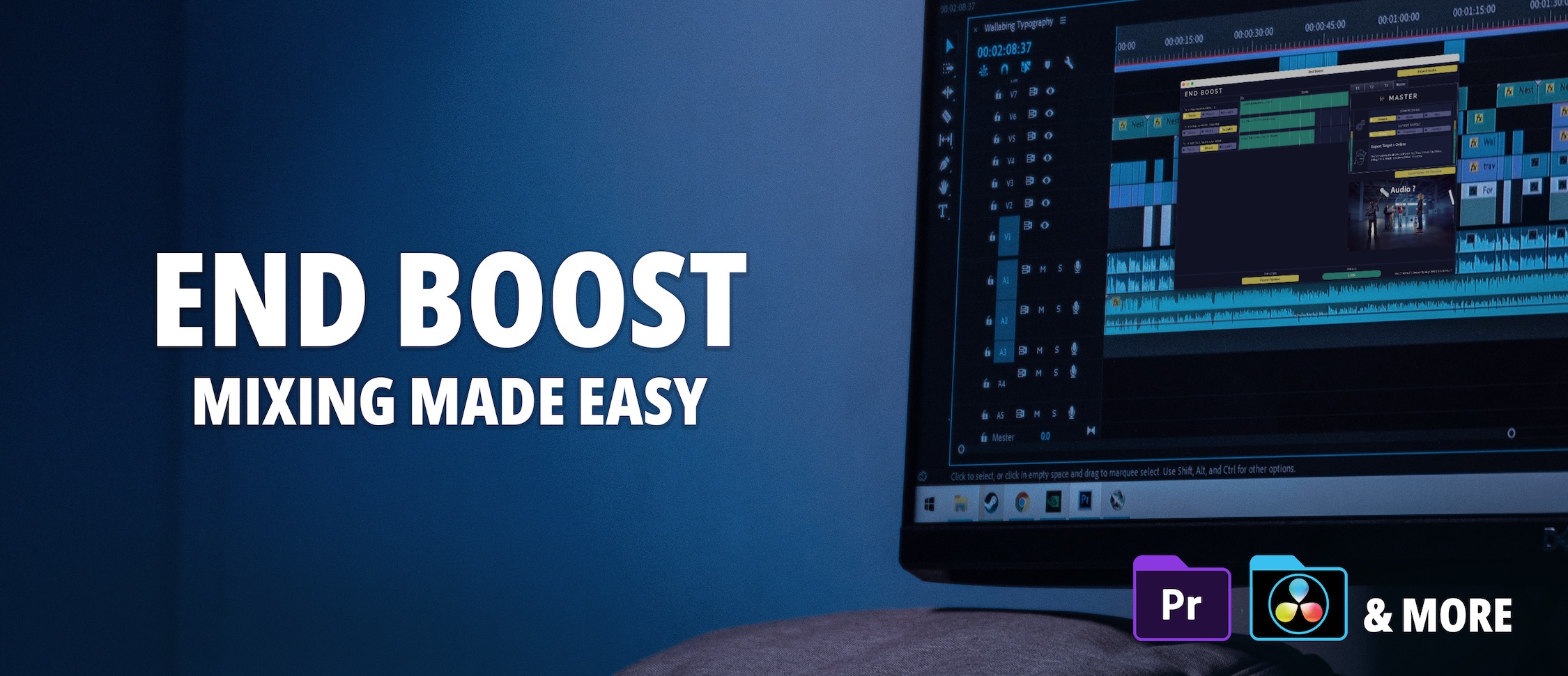
End Boost: AI Audio Mixing Software for Video Editors
End Boost uses AI to automatically mix and master voice, music, and sound effects for video projects, delivering pro-quality audio without any mixing expertise.
Overview
End Boost is a standalone desktop application that takes the guesswork out of audio post-production for video creators. Powered by the AI algorithms of Alex Audio Butler, it automatically balances and masters voice, music, and sound effect tracks using intelligent presets, applying volume curves, compression, limiting, and ducking in seconds rather than hours. This means editors who have zero audio engineering background can still output broadcast-ready sound that rivals professional mixes.
Designed to slot into any existing workflow, End Boost works alongside any NLE or DAW that supports WAV import and export, including Premiere Pro, DaVinci Resolve, Final Cut Pro X, and Vegas. With over 25 smart preset combos covering different content styles, plus built-in AI de-noising and mastering, it's a dedicated tool for creators who want their videos to sound as polished as they look, without spending time learning complex audio software.
Capabilities & Features
- Audio mixing
- Audio mastering
- AI audio
- Video editing
- Audio presets
- Automatic mixing
- Sound design
- Audio post-production
Core Features
- Automatic AI-driven audio mixing and mastering
- Proprietary algorithms from Alex Audio Butler
- 25+ smart preset combos for different content types
- Built-in AI de-noising for cleaner voice tracks
- Standalone app available for Windows and macOS
- Universal compatibility with NLEs via WAV import/export
Use Cases
- Quickly polishing audio for YouTube videos and social media content
- Automating voice, music, and SFX balancing for client video projects
- Achieving broadcast-standard loudness without a sound engineer
- Cleaning up noisy voice recordings before final export
- Streamlining audio post-production for high-volume content creators
Best For
- Video editors
- Content creators
- Filmmakers
- Corporate video producers
- Social media marketers
Pros
- •Dramatically speeds up audio mixing compared to manual methods
- •No audio engineering knowledge required to get professional results
- •Wide NLE/DAW compatibility through simple WAV file workflow
- •Flexible licensing with both perpetual and subscription options
- •Includes advanced features like EBU R.128 loudness and video preview in higher tiers
Cons
- •Entry-level perpetual plan limits mixing to only 5 stereo tracks
- •Unlimited tracks and broadcast loudness options require a pricier Professional tier
- •Requires exporting/importing WAV files rather than offering a plugin-based workflow
- •Upfront perpetual pricing may be a barrier for casual or occasional users
How to Use
1. Export your voice, music, and sound effect tracks as WAV files from your NLE or DAW.
2. Import the audio files directly into End Boost.
3. Choose from 25+ smart presets tailored to your content type.
4. Let the AI automatically apply volume curves, compression, limiting, ducking, and de-noising.
5. Export the finished, mastered audio and bring it back into your video editing project.
Frequently Asked Questions
Pricing
End Boost offers two perpetual license tiers ($159 Creator, $249 Professional) with one year of free updates, plus a $249/year Business subscription that includes priority support and ongoing access to future updates.
Pricing data is provided as a summary. Visit the vendor website for full tier details.