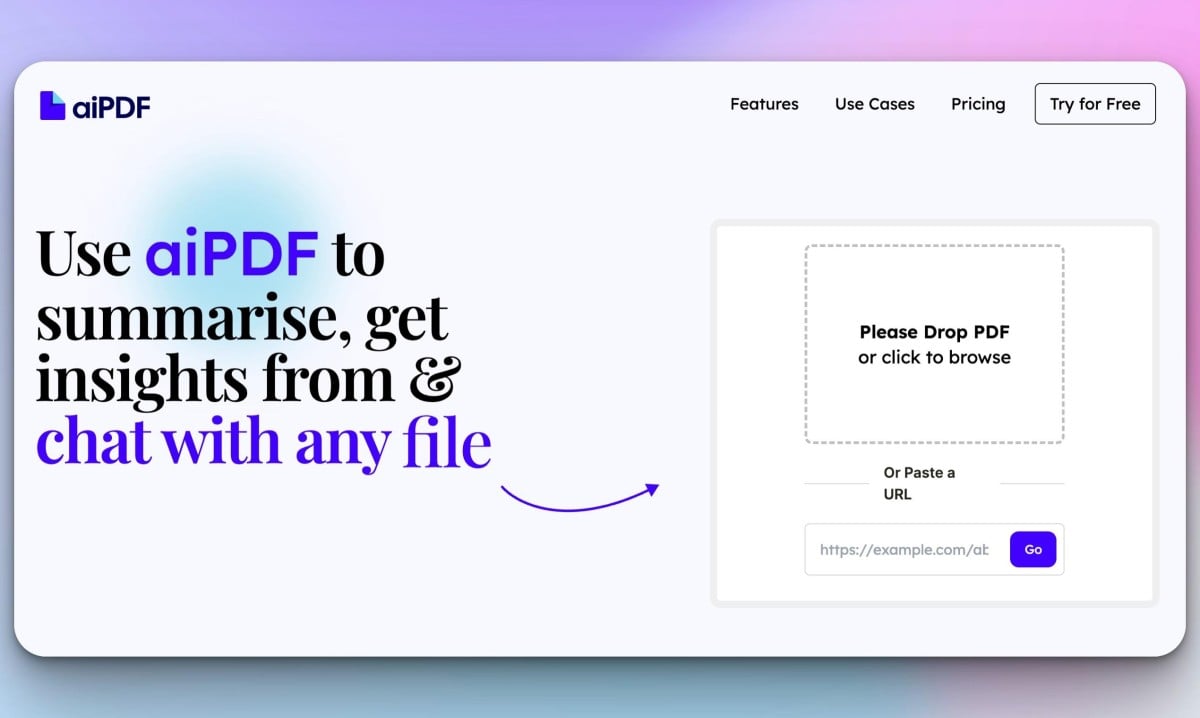
aiPDF: AI Chat & Summarizer for PDFs, Web & Video
aiPDF lets you chat with and summarize PDFs, web articles, and YouTube videos in seconds using AI, complete with source-backed answers.
Overview
aiPDF reimagines how you interact with documents by turning static PDFs, web pages, and even YouTube videos into interactive conversations. Instead of scrolling through pages of dense text, you can simply upload your content and ask the AI direct questions, getting instant summaries and precise answers backed by verifiable source references. This makes it an invaluable tool for cutting through information overload, whether you're dealing with a 200-page financial report or a complex legal contract.
Beyond simple summarization, aiPDF offers advanced capabilities like Multi Document Chat, allowing users to cross-reference and synthesize information across multiple files simultaneously. With built-in OCR support, it can even extract text from scanned or image-based pages, ensuring no document is too messy or unstructured to analyze. From academic research to podcast transcriptions, aiPDF acts as a tireless research assistant that reads, understands, and explains content on command.
Capabilities & Features
- AI PDF tool
- Document summarization
- Information extraction
- AI chatbot
- PDF analysis
- Web article summarization
- YouTube video summarization
- Multi Document Chat
- OCR
Core Features
- AI-powered document summarization
- Interactive chat with PDFs, articles, and videos
- Source-backed answers with detailed references
- Multi Document Chat for cross-referencing files
- OCR support for scanned and image-based pages
- Compatibility with YouTube videos and podcasts
Use Cases
- Summarizing lengthy financial reports for quick insights
- Reviewing and analyzing academic essays or master's theses
- Extracting key information from massive ebooks
- Generating summaries of podcast episodes
- Conducting pricing strategy analysis from market reports
- Assisting with homework by breaking down complex texts
- Analyzing legal documents for critical clauses
Best For
- Students
- Researchers
- Business Professionals
- Legal Analysts
- Content Creators
Pros
- •Saves significant time by summarizing large documents instantly
- •Supports diverse content types including PDFs, articles, and videos
- •Provides credible, source-backed answers to reduce AI hallucinations
- •Multi Document Chat allows for complex research across several files
- •OCR functionality handles scanned or non-standard text formats
Cons
- •Free plan has strict limits on uploads and questions per month
- •Maximum PDF file size is capped even on the premium tier
- •Save duration for documents is limited unless on the top-tier plan
- •Security and data storage policies are not clearly detailed
How to Use
1. Upload a PDF, paste a web article link, or add a YouTube video URL to aiPDF. 2. Ask the AI specific questions about the content or request a full summary. 3. Review the AI's response, which includes detailed citations and references pulled directly from the source material to ensure accuracy.
Frequently Asked Questions
Pricing
aiPDF offers a free 'Playful' tier with basic limits, scaling up to a 'Dynamic' plan at $9/month and an unlimited 'Flagship' plan at $19/month for heavy users.
Pricing data is provided as a summary. Visit the vendor website for full tier details.