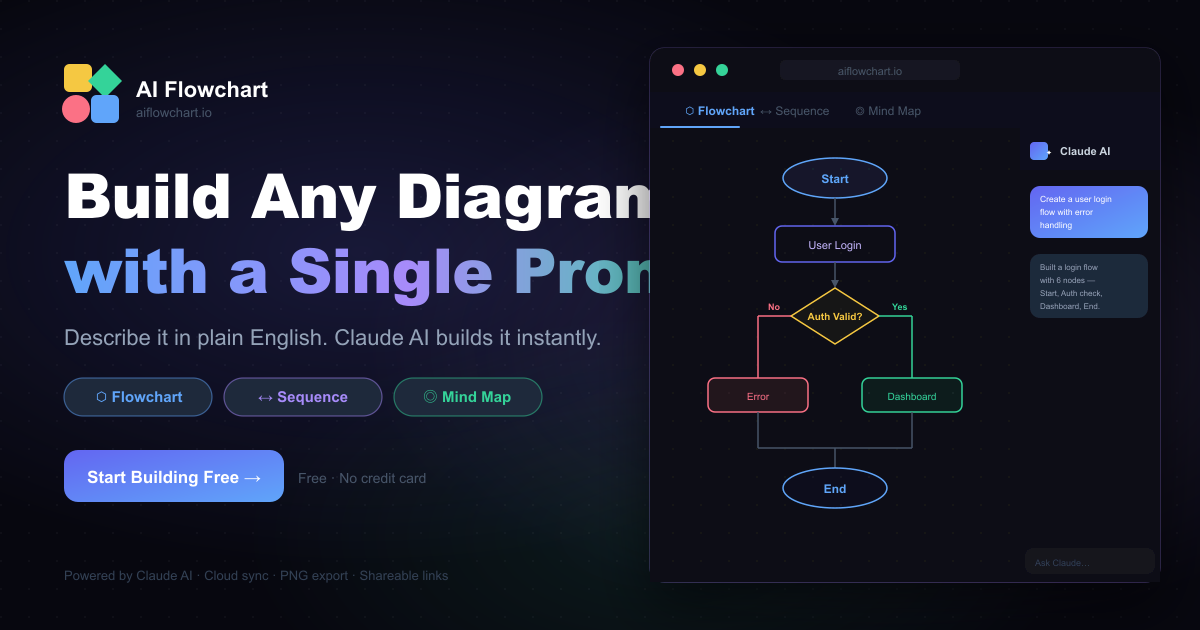
AIFlowChart.io: AI Diagram & Flowchart Generator
AIFlowChart.io turns text, PDFs, and images into polished flowcharts, graphs, and diagrams using AI—no design skills required.
Overview
AIFlowChart.io is a web-based AI tool that takes the grunt work out of visual communication. Instead of manually mapping out processes or data relationships, users simply feed it text, upload a PDF, or provide an image, and the AI interprets the content to produce clean, structured diagrams. It supports multiple diagram formats including flowcharts, graph diagrams, sequence diagrams, and pie charts, making it adaptable to a wide range of documentation and visualization needs.
Powered by the ChatGPT API, the tool goes beyond basic chart generation by offering customizable themes and accompanying explanations for each diagram, helping users not just see but also understand the logic behind the visuals. This makes it especially useful for anyone who needs to communicate complex processes—whether that's a business workflow, a research concept, or a technical specification—in a digestible visual format.
With a free Basic Plan for casual users and an affordable Pro Plan at $4.99/month for advanced features, AIFlowChart.io positions itself as a budget-friendly alternative to traditional diagramming software, appealing to professionals and students alike who need fast, accurate visualizations without a steep learning curve.
Capabilities & Features
- AI diagram generator
- Flowchart maker
- Graph generator
- Sequence diagram tool
- Pie chart creator
- Diagram from text
- Diagram from PDF
- Diagram from image
- AI flowchart
Core Features
- AI-powered diagram generation via ChatGPT API
- Multi-source input support (text, PDF, images)
- Multiple diagram types: flowcharts, graphs, sequence diagrams, pie charts
- Customizable visual themes
- Step-by-step explanations accompanying each diagram
- Ability to regenerate diagrams for different visual options
Use Cases
- Turning written text or notes into clear flowcharts
- Extracting and visualizing data from PDF reports
- Converting blog posts or articles into explanatory diagrams
- Creating sequence diagrams for software or technical documentation
- Generating pie charts and graphs for presentations and reports
Best For
- Project managers
- Business analysts
- Educators
- Students
- Technical writers
- Software developers
- Researchers
Pros
- •Supports multiple input formats, making it flexible for different workflows
- •Covers several diagram types in one tool instead of requiring separate apps
- •Generates explanations alongside diagrams for better comprehension
- •Affordable Pro plan at under $5/month
- •Free Basic Plan available for light or occasional use
Cons
- •Diagram accuracy depends heavily on the clarity of input data
- •Limited to a handful of diagram types compared to full-featured diagramming suites
- •Advanced features locked behind the paid Pro Plan
- •Relies on third-party AI (ChatGPT API), which may introduce occasional inconsistencies
How to Use
1. Choose your input method: type or paste text, upload a PDF file, or provide an image. 2. Select the type of diagram you want—flowchart, graph, sequence diagram, or pie chart. 3. Let the AI analyze your content and generate the diagram automatically. 4. Customize the theme and review the accompanying explanation for each step. 5. Regenerate the diagram as needed if the first result doesn't fully match your vision, then export or use your finished visual.
Frequently Asked Questions
Open in AI Studio
Ask our AI to evaluate if aiflowchart fits your specific workflow.
Connect & Contact
Pricing
AIFlowChart.io offers a Free Basic Plan for essential diagramming needs, plus a Pro Plan at just $4.99/month that unlocks advanced features.
Pricing data is provided as a summary. Visit the vendor website for full tier details.