AI Image Enlarger - Enhance, Restore & Convert Photos
An all-in-one AI-powered image toolkit that lets you enlarge, enhance, restore, and convert photos online in just a few clicks.
Overview
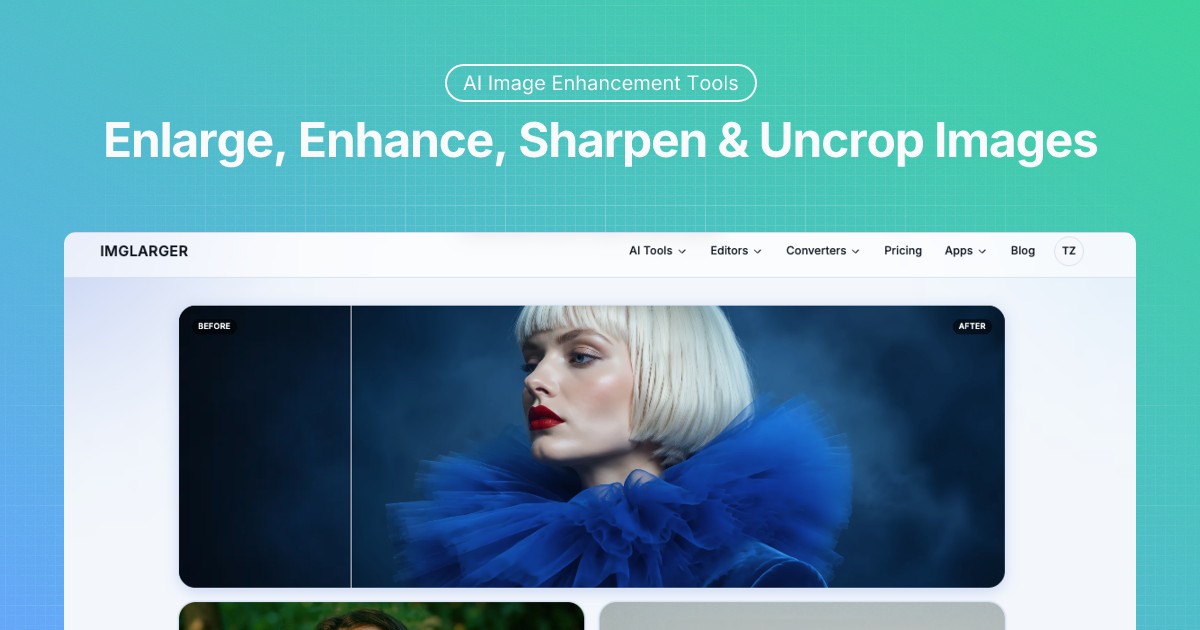
AI. Image Enlarger (ImgLarger) is a comprehensive online image toolkit built for anyone who needs fast, high-quality photo enhancements without complex software. Powered by advanced AI algorithms, it can upscale low-resolution images while preserving sharpness and detail, restore faded or damaged old photos, remove unwanted backgrounds, and sharpen blurry pictures—all from a browser-based interface.
Beyond its AI-driven features, the platform bundles traditional editing tools and format converters, making it a one-stop shop for basic photo touch-ups and file conversions. Whether you're prepping product shots for an online store, cleaning up social media visuals, or breathing new life into a decades-old family photo, ImgLarger streamlines the entire process into a few simple clicks.
Designed with accessibility in mind, the tool requires no account for basic use, though signing up unlocks higher-resolution outputs and additional credits. This makes it a practical option for casual users and professionals alike who want quick results without a steep learning curve.
Capabilities & Features
- AI image enhancer
- AI image enlarger
- AI photo restoration
- Image converter
- Online photo editor
- Image upscaler
- Photo editor
- Image resizer
- AI background remover
- Image sharpener
- Photo enhancer
Core Features
- AI Image Enlarger for upscaling resolution without losing detail
- AI Image Enhancer to improve overall photo quality
- AI Image Sharpener for correcting blurry or soft images
- AI Photo Restoration for repairing old or damaged pictures
- AI Background Remover for clean, transparent cutouts
- Built-in image converters and traditional editing tools
Use Cases
- Upscaling low-resolution images for print or web use
- Restoring and repairing old or damaged family photos
- Removing backgrounds from product photography for e-commerce listings
- Converting images between different file formats
- Performing quick edits and touch-ups without installing software
Best For
- Photographers
- Graphic designers
- E-commerce businesses
- Social media managers
- Marketing professionals
- Individuals needing fast image edits and conversions
Pros
- •Combines multiple AI-powered tools in a single platform
- •No account required to try basic features
- •Preserves image detail and sharpness during upscaling
- •Useful for both professional and casual editing needs
- •Includes format conversion alongside enhancement tools
Cons
- •Upscaling levels are limited to preset options (2x, 4x, 8k) with no custom scaling
- •Free plan credits are limited, requiring upgrades for heavier use
- •Unused credits are lost if a subscription lapses or isn't renewed
- •Best results for anime/cartoon images require a separate upscaler tool
How to Use
1. Visit the ImgLarger website and choose the AI tool or editing feature you need (enlarge, enhance, restore, remove background, etc.). 2. Upload your image directly from your device. 3. Let the AI process the photo automatically, or use manual editing tools to make adjustments. 4. Preview the result and download the final image—registering for an account unlocks higher resolutions and extra credits.
Frequently Asked Questions
Open in AI Studio
Ask our AI to evaluate if AI. Image Enlarger fits your specific workflow.
Connect & Contact
Pricing
ImgLarger offers a forever-free plan with limited credits, alongside three paid tiers ranging from $4.9 to $19 per month that provide increasing credit allowances and premium features like 8k upscaling.
Pricing data is provided as a summary. Visit the vendor website for full tier details.