AI Badge: Free Universal Label for AI-Generated Images
A free, freely-licensed badge that lets creators clearly mark AI-generated imagery for transparency.
Overview
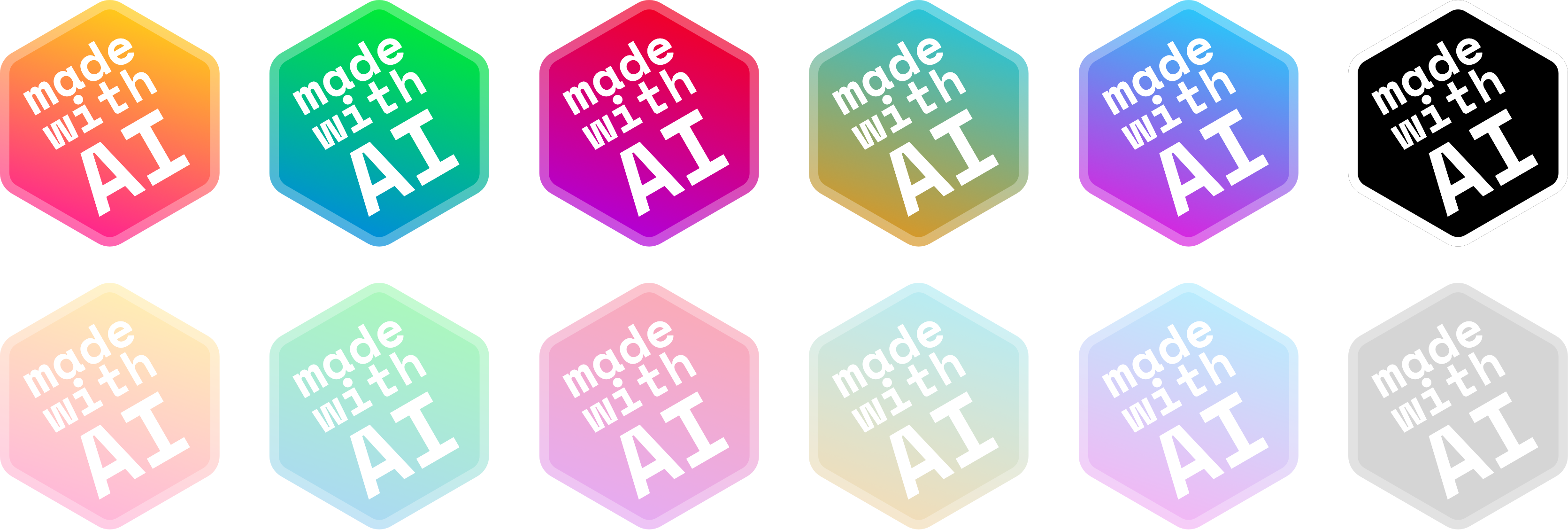
AI Badge offers a simple but important solution to a growing problem: knowing which images online were created by artificial intelligence. The project provides a universally recognizable, freely-licensed badge that creators can download and apply directly to their AI-generated visuals, giving viewers an instant visual cue about the image's origin.
Designed with simplicity and accessibility in mind, AI Badge includes clear placement guidelines to ensure consistent, professional-looking results across websites, social media, and design portfolios. By standardizing how AI imagery is disclosed, the tool supports a more transparent digital ecosystem where audiences can easily distinguish human-made content from AI-generated work.
Capabilities & Features
- AI imagery
- Transparency
- Badge
- License
- AI generated content
- Watermark
Core Features
- Freely-licensed, CC0 1.0 badge for unrestricted use
- Downloadable badge files ready for immediate use
- Clear sizing and placement guidelines for consistency
- Universal design recognizable across platforms
- No cost or account required to access the badge
Use Cases
- Labeling AI-generated artwork shared on social media
- Marking AI imagery used in blog posts and websites
- Disclosing AI-generated visuals in design portfolios
- Helping developers flag AI content within apps or platforms
- Supporting ethical content practices in marketing materials
Best For
- AI artists
- Content creators
- Graphic designers
- Developers
- Social media managers
- Marketing teams
Pros
- •Completely free with no licensing restrictions (CC0 1.0)
- •Simple, lightweight solution requiring no technical setup
- •Promotes transparency and trust in AI-generated content
- •Clear usage guidelines ensure consistent application
- •Universally recognizable design works across platforms
Cons
- •No automated or built-in watermarking tool—manual placement required
- •Lacks customization options for different brand styles
- •No enforcement mechanism to ensure creators actually use it
- •Limited awareness may mean viewers don't yet recognize the badge
How to Use
1. Visit the AI Badge website and download the badge file. 2. Open your AI-generated image in your preferred editing software. 3. Resize the badge to at least 5% of your image's width (minimum 50px). 4. Position the badge in the bottom-right corner, leaving a gap equal to ¼ of the badge's width from the image edge. 5. Save and export your image with the badge applied, then publish it to your website or social platform.
Frequently Asked Questions
Pricing
AI Badge is completely free to download and use, released under a CC0 1.0 public license with no cost or restrictions.
Pricing data is provided as a summary. Visit the vendor website for full tier details.