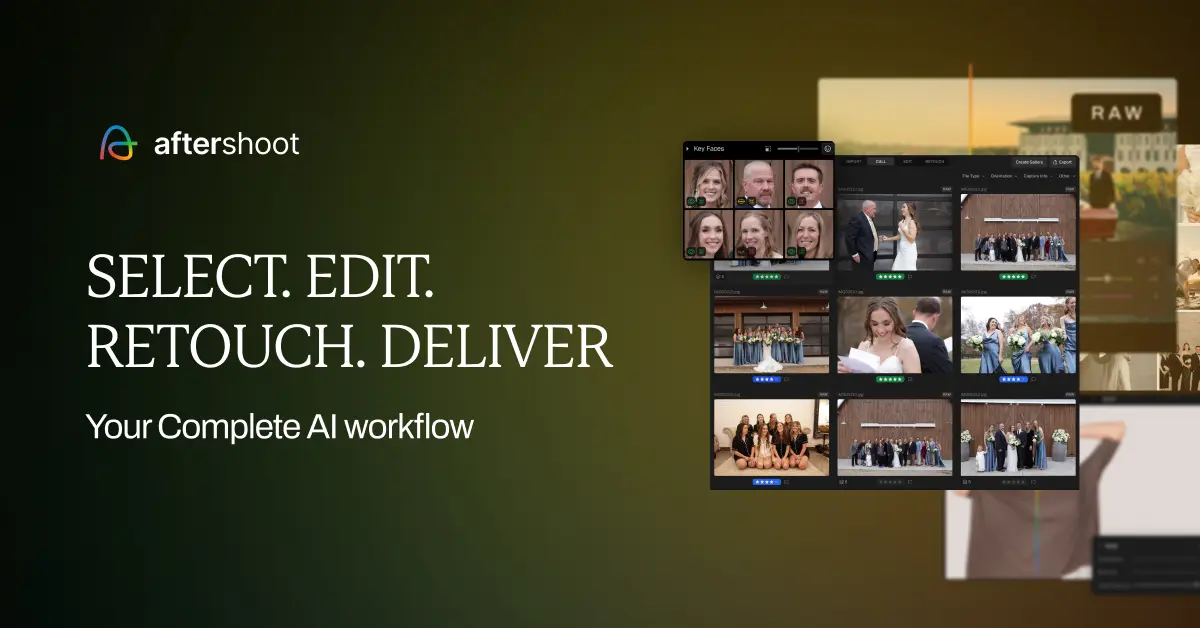
Aftershoot: AI Photo Culling & Editing for Photographers
Aftershoot uses AI to cull and edit photos in your personal style, cutting post-processing time for busy professional photographers.
Overview
Aftershoot is an AI-driven post-production assistant built specifically for professional photographers drowning in thousands of images after every shoot. Instead of manually sifting through folders to pick the best shots, Aftershoot's machine learning engine analyzes your photos, rates them against your personal shooting style, flags duplicates, and surfaces your top selects in a fraction of the time it would take by hand. As you make culling and editing decisions, the software continues to learn, refining its recommendations until they feel like an extension of your own creative eye. Beyond culling, Aftershoot applies consistent, personalized edits using either pre-built styles from its marketplace or a custom AI editing profile trained on your own work, with retouching capabilities on the roadmap. Running locally on Windows or MacOS and integrating with industry-standard tools like Lightroom and Capture One, it's built for photographers who shoot high volumes—weddings, portraits, families—and need a faster, more consistent workflow without sacrificing their unique style. The ultimate goal: give photographers back hours of editing time so they can shoot more, grow their business, and actually enjoy a work-life balance.
Capabilities & Features
- AI photo culling
- AI photo editing
- Photo editing software
- Photo culling software
- Workflow automation
- Post-processing
- AI retouching
- Batch editing
- Image selection
- RAW photo editing
- JPEG photo editing
Core Features
- AI-powered photo culling that learns your personal style
- AI-assisted editing with pre-built and custom styles
- Upcoming AI retouching tools
- Personalized AI editing profiles trained on your own work
- Automatic duplicate detection
- Native integration with Lightroom, Capture One, and other platforms
Use Cases
- Culling and editing thousands of wedding photos in a fraction of the usual time
- Streamlining portrait photography workflows with consistent AI-driven edits
- Automating post-processing for high-volume commercial or event shoots
- Maintaining a consistent editing style across multiple shoots and clients
- Quickly removing duplicate and low-quality shots before client delivery
Best For
- Wedding photographers
- Portrait photographers
- Family photographers
- High-volume event photographers
- Photography studios managing multiple shooters
Pros
- •Significantly cuts down time spent on manual culling and editing
- •AI adapts to your personal style rather than applying generic presets
- •Runs locally on your machine, so no internet connection is needed for processing
- •Flexible plans let you choose culling-only or full editing capabilities
- •Integrates smoothly with popular tools like Lightroom and Capture One
Cons
- •Retouching features are still coming soon, not yet available
- •Requires a reasonably modern computer with at least 8GB RAM to run smoothly
- •Annual billing required to access the advertised monthly pricing
- •Higher-tier plans needed to unlock full editing and multiple AI profiles, which may add up for growing studios
How to Use
1. Download and install Aftershoot on your Windows or MacOS computer (no internet connection required). 2. Import your shoot and let the AI analyze and rate images based on your style, flagging top picks and weaker shots. 3. Review the AI's culling choices and make adjustments—Aftershoot learns from every decision to better match your preferences over time. 4. Once culled, apply a pre-built AI editing style from the marketplace or train a personalized AI editing profile using your own past edits. 5. Export your finished selections directly or sync with platforms like Lightroom and Capture One for final touches.
Frequently Asked Questions
Pricing
Plans range from $10/month for unlimited culling only up to $60/month for a high-volume package with five personal AI editing profiles, all billed annually.
Pricing data is provided as a summary. Visit the vendor website for full tier details.